The Secret Battle I Fought With My Own Settings
I remember sitting in my chair late at night, staring at my monitor with total frustration. For months, I thought the reason I kept missing shots in my favorite game was simply that my mouse wasn't "fast" enough. I went out and bought the latest, most expensive gear, specifically looking for the highest DPI number on the box. I set it to an insane level, thinking it would make me a pro overnight. Instead, my cursor felt like a wild animal, jittering across the screen at the slightest touch.
My aim didn't get better; it actually got much worse. I spent weeks trying to adjust my sensitivity, feeling like I was constantly fighting against my own hand. It felt like I was playing on ice, where I had zero control over where my crosshair landed. I was losing games I should have easily won, and it was draining my confidence. I finally realized that the number printed on the box wasn't telling me the whole story.
This is a problem many of us face when we buy into marketing hype. It turns a fun hobby into a stressful experience where you feel like you are physically incapable of hitting your target. It plays with your mind, making you doubt your hardware, your skill, and eventually, your own potential as a gamer. The emotional toll of constantly tweaking settings without finding that "perfect feel" is exhausting. It kills the joy of the game and replaces it with a nagging feeling of inadequacy.
You deserve to know why this happens so you can stop the cycle of constant adjustments. It is time to clear the fog and look at what actually makes a mouse track accurately. We are going to look past the marketing numbers and focus on the physics of your movement. By the end of this, you will understand how to set up your gear for consistent performance.
Decoding the High DPI Myth
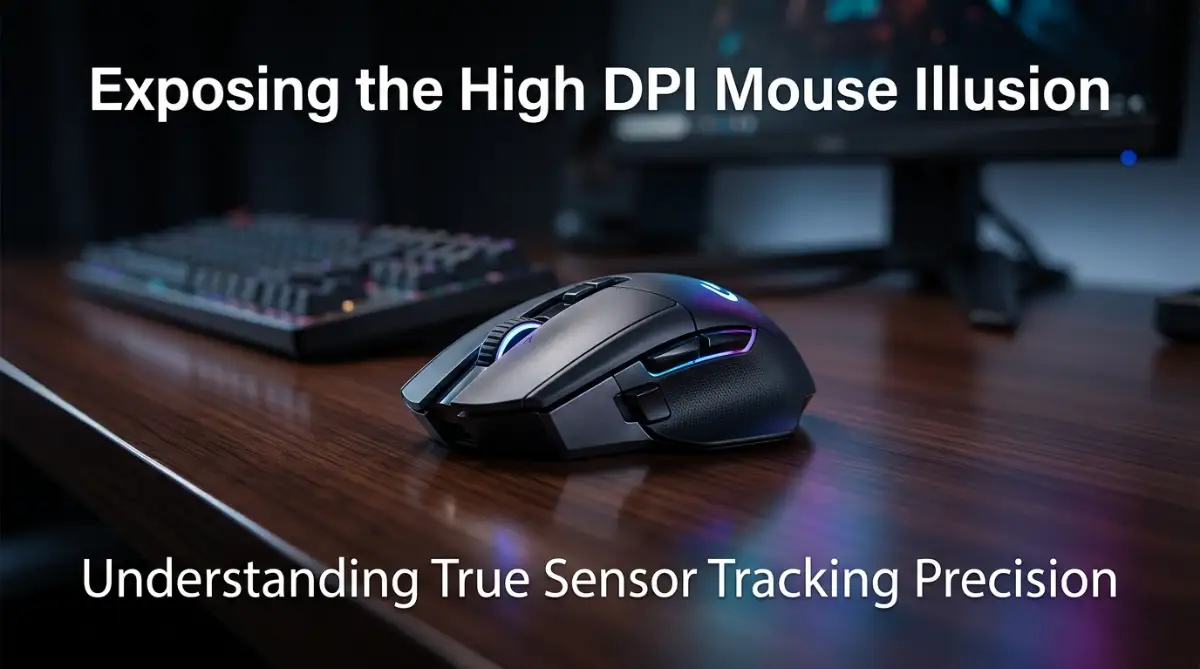
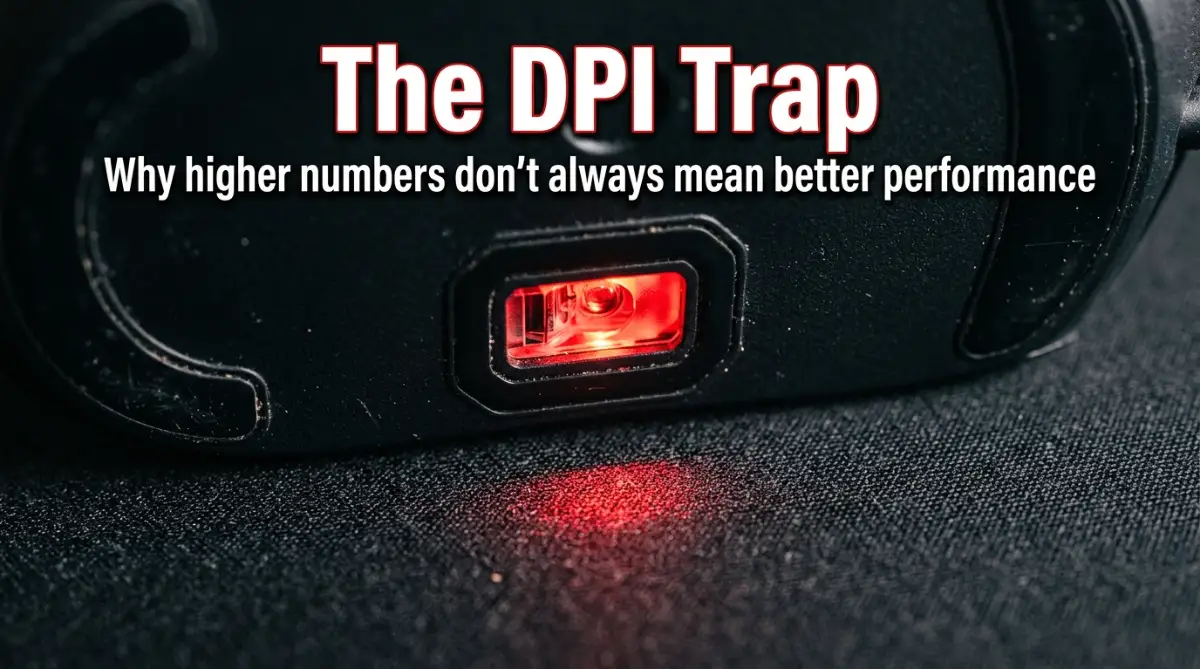
Most brands want you to believe that a bigger number is always better. They use DPI as a primary marketing tool to make their products sound superior. In reality, DPI stands for "Dots Per Inch," which just measures how sensitive the sensor is to movement. It does not mean the sensor is more accurate or that it "sees" better. High DPI is simply a measurement of how many pixels your cursor moves on screen for every inch you move the mouse.
When you crank that number up, you are actually introducing unintended variables into your movement. Many sensors perform best within a specific range, and going outside that range often leads to "sensor smoothing." This is a process where the mouse tries to fix the jitter caused by the high setting. The result is a slight delay in your input, which is the last thing you want during a competitive moment.
The Physics of Real Accuracy
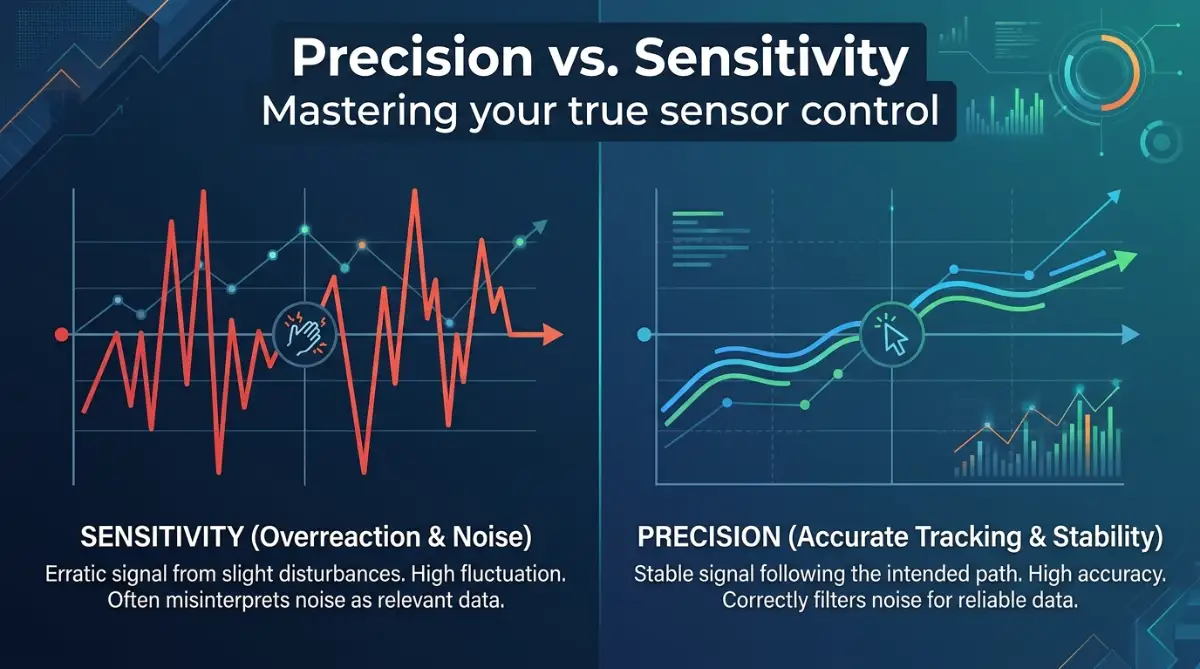
True precision is not about how fast your cursor moves, but how consistent it is. A good sensor should translate your hand movement into screen movement in a way that feels natural. When you move your mouse two inches to the left, your crosshair should land in the exact same spot every single time. This is called "pixel-perfect tracking," and it has very little to do with high DPI settings.
Instead of looking for the highest number, look for "raw input." This is when the data from your mouse is sent directly to your game without extra software interference. Most professional players use a much lower DPI than you might think. This allows them to make large, smooth movements without the sensor picking up every tiny imperfection on the mouse pad.
My Pro Tip for Finding Your Sweet Spot
I used to change my DPI every few days, thinking I was getting closer to the perfect setup. The truth I finally realized is that consistency is the only thing that actually builds muscle memory. I picked a standard setting and forced myself to stick with it for three weeks straight, even when it felt "wrong" at first. You should try this—pick a moderate, comfortable speed and lock it in. Stop looking for the magical hardware fix and start focusing on training your arm and wrist to handle one consistent speed.
Practical Steps to Master Your Mouse
Solving this mystery starts with a few simple, actionable steps that you can take right now. You don't need new hardware to see an immediate improvement in your performance.
Step 1: Normalize Your Settings
Go into your mouse software and check your current DPI. If it is set above 1600 or 3200, try dropping it down to 800 or 400. Many people find that 800 DPI is the "sweet spot" where the sensor operates most efficiently. You will have to increase your in-game sensitivity to compensate, but this change often feels much smoother.
Step 2: Disable Mouse Acceleration
This is the biggest enemy of precision. Mouse acceleration changes how fast your cursor moves based on how fast you move your hand. It makes it impossible to build consistent muscle memory because the same hand movement will result in a different distance on the screen. Windows often has this setting turned on by default under "Enhance pointer precision." Turn that off immediately.
Step 3: Clean Your Tracking Surface
Sometimes the "illusion" of a bad sensor is actually just a dirty mouse pad. Even a tiny piece of dust or a smudge of oil from your hand can trick the sensor. Take a damp cloth and gently wipe your mouse pad. Make sure it is completely dry before you use it again. You will be surprised at how much this improves your tracking accuracy.
Understanding Sensor Jitter and Smoothing
When a sensor is pushed to its absolute limit, it struggles to keep up with the data. This causes "jitter," where the cursor seems to shake or vibrate on the screen. To fix this, the mouse firmware adds "smoothing," which adds a tiny amount of input lag. By lowering your DPI to a more reasonable level, you remove the need for this smoothing. Your input becomes instant, and your control over the mouse feels much tighter.
Why Lower DPI Often Feels Better
Think of it like driving a car. At high speeds, a tiny twitch of the steering wheel can send you off the road. At a lower, controlled speed, you have much more authority over where the car goes. The same logic applies to your mouse. You are not sacrificing speed; you are gaining stability. You will find that you can still turn quickly, but your fine-tuned aiming becomes much more predictable.
Expert Advice on Surface Interaction
The sensor on your mouse is designed to bounce light off the surface of your mouse pad. If your pad has a very complex pattern or a reflective finish, the sensor can get confused. A simple, dark-colored cloth pad is usually the best choice for tracking accuracy. It gives the sensor a clear, consistent surface to read. If you are having trouble, testing your mouse on a clean piece of white paper can tell you if your current pad is the issue.
The Mental Shift for Better Aim
Once you have adjusted your hardware, your brain needs time to adapt. Don't expect to be perfect in the first five minutes. It takes about a week of consistent play for your brain to map the new speed of your mouse to your hand movements. Stay patient and trust the process. You are building a foundation for long-term skill, not just a quick fix for one game.
Final Thoughts on Hardware Marketing
Marketing is designed to sell products, not to make you a better player. Always read reviews that focus on raw sensor performance rather than raw specifications. A mid-range mouse with a great sensor will always outperform a high-end mouse with a bad sensor. Focus on the feel of the sensor, the weight of the mouse, and how well it fits your hand. These are the things that actually impact your gameplay.
If you are looking for more ways to optimize your gaming experience, check out this video that covers advanced sensitivity tuning. It explains how to align your physical hand movement with your virtual crosshair.
I highly recommend watching this short guide to understand the physical connection between your hand and the game.
By following these steps, you are taking control of your gear rather than letting it control you. You will stop worrying about the "best" numbers and start focusing on your own performance. Remember, the best setup is the one that is consistent, reliable, and comfortable for you. Keep playing, stay consistent, and you will see your precision improve significantly.
Unlocking Your True Potential with Advanced Mouse Control
Once you have mastered the basics of sensor settings, it is time to look at the finer details that separate casual players from those who truly understand their gear. You might think that once your DPI is set, you are finished, but your physical relationship with the mouse is where the real magic happens.
The Art of Grip Consistency
Your grip style is often overlooked when people talk about performance. Whether you use a palm, claw, or fingertip grip, the most important thing is that it remains exactly the same every time you touch your mouse. If your hand position shifts even slightly, your brain’s muscle memory for flick shots and tracking will be off.
I suggest finding a grip that feels natural and sticking to it religiously. You can even try to build a slight habit of resetting your hand position during quiet moments in a game. This simple act keeps your physical baseline consistent, ensuring your sensor movements remain predictable.
Optimizing Your Lifting Technique
Many players suffer from "sensor lift-off" issues without even realizing it. When you pick up your mouse to recenter it on your pad, does your crosshair jump or move unexpectedly? This happens if your mouse’s lift-off distance is set too high in the software.
Look for a setting called "Lift-Off Distance" (LOD) in your mouse software and set it to the lowest possible value. A lower LOD means the sensor stops tracking the moment the mouse leaves the surface. This creates a much cleaner experience, especially when you are making quick, aggressive turns during intense play.
The Science of Polling Rates
You have likely seen the term "Polling Rate" in your mouse settings. This refers to how often your mouse sends data to your computer per second. Setting this to 1000Hz is standard for almost every modern competitive player.
While some newer mice offer even higher rates, going beyond 1000Hz can sometimes cause issues with your CPU usage. It is often smarter to keep it at a stable 1000Hz to ensure perfect communication between your hand and the game. You can check the latest scientific breakdown of input latency in optical sensor performance studies to see how polling rates affect your overall system speed.
Managing Environmental Variables
Your desk environment also plays a role in how your sensor behaves over time. Humidity and temperature can actually change how your mouse pad feels and how the sensor glides across it. I make it a point to keep my gaming area clean and free of moisture.
If you find that your tracking feels "muddy" or slow, it might be time to clean your mouse feet (also known as skates). Over time, they collect dust and oils that increase friction. Cleaning them with a soft cloth or a very mild cleaning agent can make your mouse feel brand new again. If you feel like your gear is just not holding up, you might be dealing with hardware fatigue, which is something you should learn to identify early on.
The Traps That Hold You Back
We often fall into the trap of thinking that buying the most expensive gear will solve our problems. This is rarely the case. The most common mistake I see is players constantly switching their sensitivity settings every time they lose a game.
This behavior prevents you from ever truly learning the speed of your mouse. When you change your sensitivity, you are essentially telling your brain to relearn the entire game from scratch. It is much better to pick a sensitivity that feels comfortable and leave it alone for a long period. If you are struggling with other tech issues, like fixing your VR headset if it keeps disconnecting, remember that consistency in your settings is what builds true reliability.
Another major pitfall is ignoring the state of your mouse pad. I have seen players spend hundreds on a mouse and then use it on a dirty, worn-out surface. Think of your mouse pad as the tires on a car. If the surface is uneven or damaged, even the best sensor in the world cannot perform correctly.
Also, avoid the temptation to use "mouse acceleration" features that claim to help you aim better. These features are almost always a hindrance because they remove the 1:1 relationship between your hand movement and your crosshair movement. If you want to get better at precision, you have to be the one in control, not a software algorithm.
Achieving Mastery Through Consistency
True improvement comes from patience and deliberate practice. Once you have normalized your settings and cleaned your gear, you have built a solid foundation. Now, the goal is to play with confidence.
You do not need to be a professional to have a setup that feels professional. By focusing on your physical habits—like your grip and your surface maintenance—you are setting yourself up for success. You will notice that your aim feels more natural and that you are missing fewer shots because your brain trusts the feedback it gets from your hand.
Your Path Forward
I know how frustrating it can be to feel like you are fighting your own equipment. I spent years in that same spot until I realized that the secret wasn't in the hardware specs, but in the simplicity of my setup. My advice is to stop looking for the next "upgrade" and start refining the way you play with what you already have. Take the time to practice your aim in a controlled environment, and you will see the results on the scoreboard.
Questions People Frequently Ask
Does a higher DPI make a mouse more accurate?
No, a higher DPI does not make a mouse more accurate. It only makes the cursor move faster across the screen, which often leads to jitter and lower precision.
Why does my cursor feel shaky at high settings?
This is caused by sensor jitter. When a sensor is pushed to its limits, it struggles to track correctly, which results in the cursor vibrating on your screen.
How often should I clean my mouse and pad?
You should aim to wipe down your mouse pad every week and check your mouse sensor for debris whenever it feels like it is tracking poorly. If you are into other tech, like maintaining your gear, you might also be interested in how to safely clean your VR lenses to keep your vision clear.
Should I change my sensitivity to get better?
You should find a sensitivity that feels comfortable and stick to it. Constant changes prevent your brain from building the muscle memory needed for consistent aim.
Is raw input better for my game?
Yes, using raw input is better because it sends data directly from your mouse to the game, bypassing Windows settings that might cause input lag.
Disclaimer: This guide is intended for informational purposes regarding gaming hardware settings. Individual results may vary based on specific mouse models, sensor types, and personal playstyles. We do not provide financial or medical advice, and all modifications to your hardware or software are done at your own risk.