The Hidden Anxiety of the Amber Light
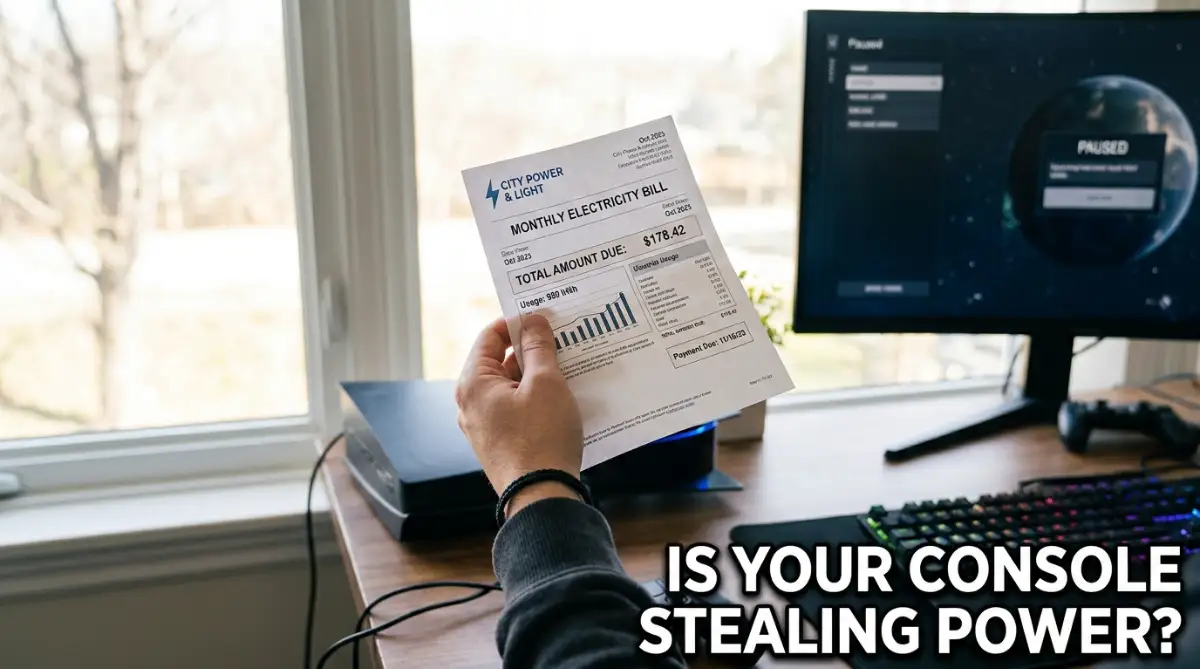
I remember the exact moment I panicked about my electricity bill. I had just bought my brand-new, highly expensive gaming console, and I accidentally left it in sleep mode for an entire week while I was away. My brain immediately imagined the internal fans spinning relentlessly, sucking up massive amounts of power, and slowly melting the motherboard. I honestly thought I was burning money while I slept, and it made my stomach drop. From that day on, I started unplugging the system completely out of pure fear. It quickly turned into a daily, annoying chore that drove me entirely crazy.
This is a fear so many of us carry every single day. You spend a huge amount of money on a beautiful gaming system, and you want to protect it at all costs. But the internet is full of terrifying stories about hardware failing and massive electric bills.
Every time you turn off the TV, that little glowing light on your console stares back at you. It makes you wonder if the machine is truly resting or if it is secretly working overtime.
This uncertainty ruins the simple joy of gaming. Instead of relaxing after a hard day, you find yourself arguing with family members about who left the machine on.
You wake up in the middle of the night wondering if the power supply is getting dangerously hot. The mental peace you are supposed to get from your favorite hobby is completely replaced by hardware anxiety.
People are actually losing sleep over "vampire power" and the fear of breaking their expensive electronics. We constantly second-guess the engineers who designed these machines.
Instead of letting the system do its job, we force it to shut down completely. This simple act of overthinking is causing unnecessary frustration in our daily lives.
What Really Happens When You Press the Power Button
Let us look at exactly what is going on inside that plastic box when you decide to step away. We have been trained by older electronics to believe that leaving things plugged in is inherently bad.
Back in the day, leaving a computer on meant the hard drive kept spinning loudly. Today, the technology inside your entertainment center is incredibly smart and highly efficient.
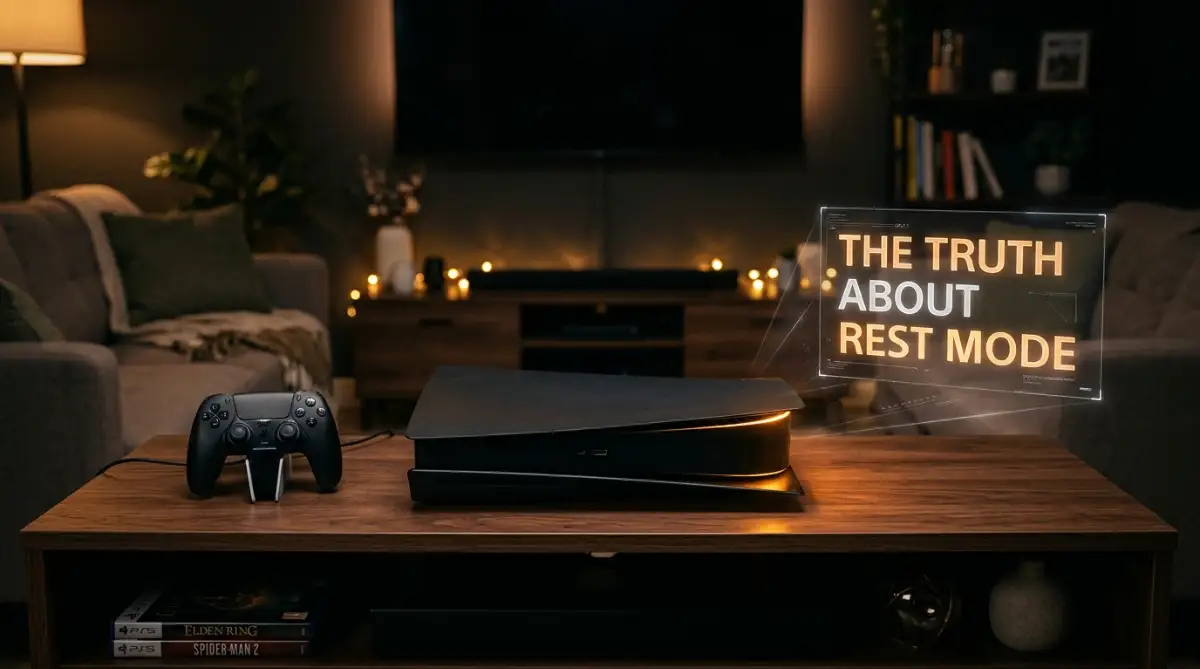
When you select the standby option, your system does not just sit there wasting energy. It goes into a deep, carefully managed hibernation state.
The main processor, which does the heavy lifting for your favorite games, practically goes to sleep. It uses just a tiny trickle of electricity to keep the system memory alive.
This means your current game progress is safely frozen in place. You will not lose your spot in a massive open-world adventure just because you had to go make dinner.
Myth 1: It Will Destroy Your Monthly Power Bill
One of the biggest fears out there is the cost. I hear people say all the time that leaving a console in standby is like leaving a microwave running all day.
This simply is not true. The reality is that modern systems use an incredibly small amount of power in this state.
Usually, the power draw is somewhere between one and three watts. To put that into perspective, it is less power than a standard LED nightlight uses in your hallway.
Over an entire year, this might add up to the cost of a single cup of cheap coffee. The manufacturers designed these systems to comply with strict global energy regulations.
They are heavily restricted on how much power they can legally draw from your wall when not in active use. So, you can stop worrying about your local power company draining your bank account over a glowing amber light.
Pro Tip: My Mistake with Hard Shut Downs
I used to completely yank the power cord out of the wall after every single gaming session. I thought I was being incredibly smart and saving my hardware from wearing out. I quickly realized this actually caused way more problems because my cloud saves never synced properly. I lost nearly ten hours of progress in my favorite game simply because my system never had the chance to upload my save files while it was sleeping.
Why Background Updates Are a Lifesaver
Think about the last time you sat down to play with your friends after a long, exhausting day. You turn on the screen, grab your controller, and suddenly a message pops up.
You are forced to stare at a 50-gigabyte update that will take three hours to download. Your entire evening is instantly ruined.
This is the exact problem sleep mode was built to solve. While you are sleeping or away at work, the system quietly checks the internet for patches.
It downloads massive files using a low-power secondary chip. It does all the heavy lifting silently, so you never have to wait.
When you sit down to play, your games are ready the exact second you are. This convenience is worth its weight in gold.
Want to see exactly how much power these machines pull from the wall? Watch this real-time wattage test to see the shocking truth about standby power.
Myth 2: It Will Overheat and Fry the Motherboard
Another massive fear is temperature. When you touch the top of your console while it is in standby, it might feel slightly warm to the touch.
Many gamers instantly panic when they feel this heat. They assume the machine is slowly cooking itself from the inside out.
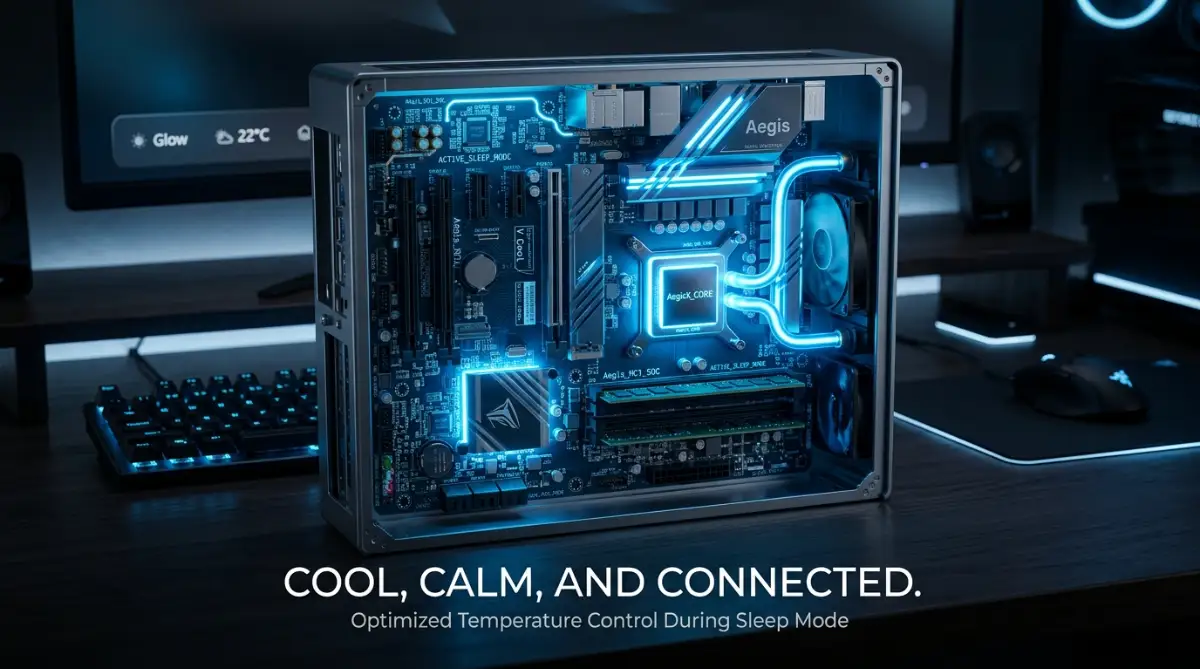
In reality, this is completely normal and entirely safe. The system is designed to passively release heat without spinning the loud internal fans.
The outer shell is literally built to act as a gentle exhaust system. The engineers tested these units in extreme environments to ensure they never reach dangerous temperatures while resting.
In fact, constantly turning electronics completely off and on can sometimes cause more physical stress. Heating up from completely cold to very hot, over and over, causes metal components to expand and contract.
Keeping the system at a stable, slightly warm baseline is often better for the long-term health of the internal solder joints.
The Magic of Controller Charging
Let us talk about another massive benefit that people ignore when they do a hard shutdown. Your wireless controllers need battery juice to function.
If you turn the system entirely off, the USB ports on the front and back go completely dead. You will wake up the next day to a flashing low-battery warning.
Standby mode smartly pushes just enough power to the USB ports to top off your accessories. You can plug in your headset and your controller before you go to bed.
The system will sense when the batteries are full and automatically cut the power to the ports. It does not overcharge them, and it does not waste electricity.
It just ensures your gear is at one hundred percent the next time you pick it up.
A Quick Look at the Numbers
Sometimes, seeing the actual data helps calm our minds. I put together a simple look at how your system handles different states of play.
This helps show exactly why panicking about the standby feature is totally unnecessary.
As you can see, the difference between completely off and resting is barely noticeable on a power meter.
Myth 3: Power Surges Will Destroy a Sleeping Console
This is a highly valid concern that has a very simple fix. People worry that a lightning strike or a grid issue will fry a system left in standby.
Yes, a massive power spike can damage anything plugged directly into a wall outlet. However, this has nothing to do with the sleep feature itself.
Whether the machine is resting or completely turned off, if it is plugged into the wall, a surge can reach it. The solution is not to avoid the convenience of standby.
The smart move is to invest in a high-quality surge protector. A good power strip with surge defense will take the hit instead of your expensive hardware.
Once you have that protective barrier in place, you can leave the system asleep without any fear of weather-related disasters.
The Psychology of Control
Why do we hold onto these myths so tightly? I think it comes down to a deep desire for control. When we turn a switch off, we feel safe knowing the machine is dead. The amber light feels like a loss of control, like the machine has a mind of its own. But we trust our smart appliances every day. Your refrigerator runs constantly to keep your food safe.
Your smartphone is never truly turned off; it is always checking for messages and emails while the screen is black. We do not panic about our phones catching fire in our pockets. We need to start treating our entertainment systems with that same level of trust. They are highly advanced computers built by incredibly smart people. They know exactly how to manage their own energy and temperature.
Cloud Saves and Peace of Mind
Let us go back to the idea of saving your game data. Modern gaming relies heavily on cloud storage.
If your internal hard drive ever fails, your cloud saves are your only backup. When you leave the system resting, it quietly shakes hands with the servers.
It uploads your most recent boss fights and completed missions. If you always force a hard shutdown, you have to manually upload everything.
Most of us simply forget to do this manual task. Then, when a problem happens, we lose months of hard work.
Allowing the machine to rest safely guarantees that your digital life is always backed up.
How to Customize Your Settings Safely
If you are still feeling a tiny bit nervous, you can actually customize how the system sleeps. You do not have to leave every single feature turned on.
You can jump into the system menus and tell the machine exactly what you want it to do. For example, you can tell it to supply power to the USB ports for only three hours.
After three hours, it will cut the power, saving even that tiny bit of electricity. You can also turn off the internet connection during sleep if you only want it to charge controllers.
By tweaking these simple menus, you get the best of both worlds. You get the convenience you deserve, and the total peace of mind you crave.
You no longer have to stare at that glowing light with a feeling of dread. You can finally just enjoy your hobby the way it was meant to be experienced.
Taking Complete Control of Your System’s Sleep Habits
Now that we understand the amber light is not our enemy, we can actually make it work perfectly for our specific needs. You do not have to settle for the factory default settings that came in the box.
Every modern gaming system gives you incredible control over how it behaves while you are away. Let us walk through some advanced tricks that will make your setup highly efficient.
You can think of this like adjusting the thermostat in your house before going to work. You want things comfortable when you return, but you do not want the heater blasting all day.
The first step is taking a deep dive into your system menus and finding the power-saving tab. This hidden menu is your ultimate command center for energy management.
Once you open this menu, you will see exactly what your machine does while it sleeps. The biggest game-changer is limiting the power supplied to your USB ports.
By default, many systems keep sending maximum electricity to the USB slots indefinitely. This is totally unnecessary unless you are charging massive tablet batteries.
I highly recommend changing this specific setting to a strict three-hour time limit. Three hours is plenty of time to fully charge a dead wireless controller or a premium gaming headset.
After those three hours, the system smartly cuts off the juice. This tiny adjustment completely stops unnecessary battery wear and tear on your expensive accessories.
It also prevents weird hardware glitches, like sudden peripheral disconnections, which often happen when batteries are constantly overcharged.
Managing Your Home Network Bandwidth
Another amazing feature you can customize is how the machine interacts with your home internet router. We talked earlier about the beauty of background updates.
However, if you have multiple people working from home, a massive game update can ruin everyone's internet speed. You definitely do not want your roommate's video call dropping because your console is pulling heavy data.
To fix this, you can schedule exactly when your system is allowed to connect to the web. You can tell the machine to only check for new game patches during the middle of the night.
By doing this, the console remains entirely offline and quiet during busy daylight hours. When everyone is asleep, it quietly connects, downloads everything, and goes back to a deep rest.
This simple scheduling trick keeps your home network running smoothly without sacrificing your gaming convenience. It is a brilliant way of managing household standby power usage while remaining a considerate roommate or family member.
The Smart Appliance Metaphor
Try to think of your gaming hub exactly like your kitchen refrigerator. Your fridge runs all day and night to keep your milk cold and your vegetables fresh.
You never unplug your refrigerator before going to bed because doing so would ruin everything inside. Your modern entertainment setup works on a very similar logical concept.
It needs a tiny trickle of electricity to keep your digital life fresh and ready for action. The engineers programmed these machines to handle their internal temperatures beautifully.
They use advanced thermal management in compact computer systems to gently push warm air out without spinning loud fans. Trusting this intelligent design will completely change how you interact with your hardware.
You just have to let the machine do the job it was originally built to do.
The Biggest Hardware Traps Gamers Fall Into
Even when people understand the benefits of standby, they still make completely avoidable errors that damage their gear. Let us talk about the everyday habits that are secretly hurting your expensive electronics.
The absolute worst thing you can do to a modern system is pulling the power plug while it is resting. I see people do this all the time out of pure habit or sudden panic.
When that little orange light is glowing, the internal hard drive is often quietly organizing data. It might be writing save files, moving newly installed game assets, or syncing with cloud servers.
If you suddenly yank the cord out of the wall, you instantly cut power to a spinning or writing drive. This violent stop is the number one cause of corrupted game data and completely ruined save files.
You could easily wake up to a horrible error message forcing you to completely factory reset your entire machine. Sometimes this aggressive shutdown even causes weird internal software bugs, like fixing sudden sound sync issues that never happened before.
If you ever need to move the console to another room, wake it up fully first. Then, use the on-screen menu to select the complete shutdown option before touching the power cable.
The Deadly Towel Trick
Here is a bizarre mistake I have witnessed multiple times when visiting friends' houses. People hate seeing dust settle on their beautiful shiny electronics.
To solve this, they throw a towel or a thick cloth over the machine while it sits in sleep mode. They assume the machine is totally off, so covering it up seems perfectly harmless.
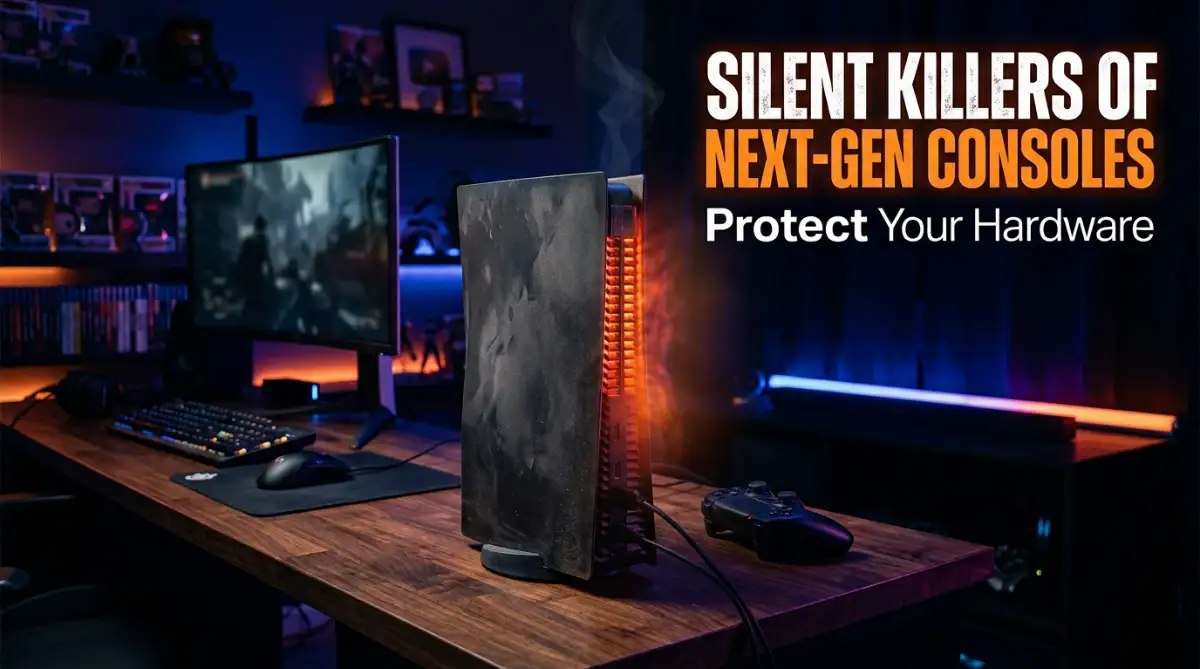
This is an incredibly dangerous habit that can cause massive internal hardware damage. Remember, even in a low-power state, the internal components are generating a small amount of heat.
The outer plastic shell needs direct access to open room air to naturally release that gentle warmth. When you throw a heavy blanket over the vents, you trap all that heat inside a small dark box.
Over a few days, that trapped heat builds up and slowly damages the delicate solder on the motherboard. Instead of hiding the console, just make a habit of gently dusting the area once a week.
Keeping your entertainment stand clean is similar to safely wiping down your sensitive electronics to ensure they last for years. Give your system the breathing room it naturally needs.
Using Cheap Wall Adapters
Another terrible habit is plugging these incredibly expensive machines straight into a cheap wall outlet. Some gamers will spend hundreds of dollars on a system and then use a two-dollar extension cord from a dollar store.
As we discussed earlier, power surges are a very real threat to anything connected to the power grid. A sleeping system is completely vulnerable if a massive electrical spike hits your neighborhood.
Do not trust a basic plastic power strip that has no internal safety ratings. You need to purchase a heavy-duty surge protector with a high joule rating.
Think of a proper surge protector as cheap insurance for your most prized entertainment possession. It acts as a physical shield, taking the deadly electrical hit so your console never has to.
Getting your hardware setup correctly from day one is just like calibrating your wireless gear perfectly before a big event. It saves you from massive headaches and heartbreaks down the road.
The Fear of Ghost Data
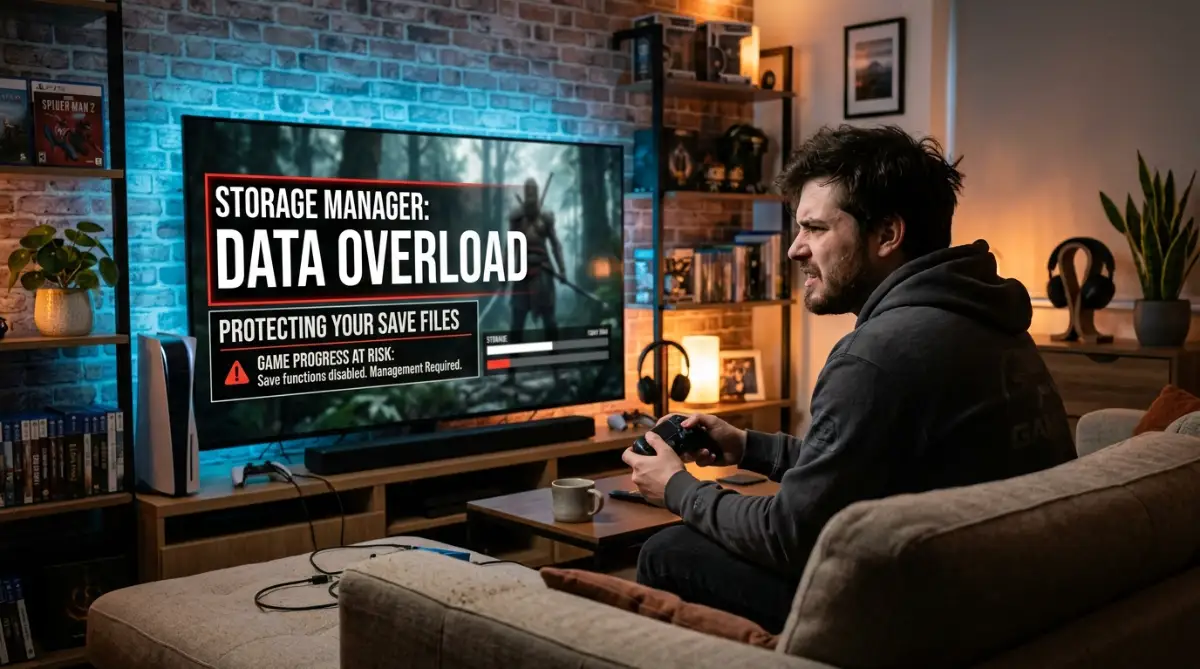
Some users become obsessed with checking their storage space every single day. They worry that automatic updates are secretly downloading massive amounts of useless bloatware while they sleep.
They turn off automatic updates entirely, thinking they are protecting their hard drive space. This decision backfires the exact moment they sit down on a Friday night for a gaming session.
They turn the machine on, only to find a mandatory multiplayer update blocking them from joining their friends. The global energy efficiency standards for modern entertainment devices heavily encourage background updating for a reason.
It keeps the entire gaming ecosystem running smoothly for everyone involved. Trust your system to manage its own storage responsibly, and you will have a much better daily experience.
Enjoying Your Entertainment Without the Anxiety
The entire point of buying a premium gaming setup is to relax and escape from daily stress. You should not spend your free time worrying about internal fan speeds or the cost of a glowing standby light.
By understanding the brilliant engineering inside these boxes, we can finally let go of those old hardware fears. You now know exactly how little power these systems actually use when left alone.
You also understand that the gentle warmth on the plastic shell is completely natural and heavily tested by experts. Modern electronics are beautifully designed to take care of themselves.
Our only real job is to provide them with a well-ventilated space and a safe, surge-protected wall outlet. Once you dial in your personalized sleep settings, your machine becomes a highly reliable partner.
It will silently prepare your favorite games, charge your gear, and keep your hard-earned progress backed up to the cloud. You can finally stop fighting your hardware and start enjoying the seamless magic it offers.
I honestly used to stress out every single time I left my console running in the living room. But once I adjusted my USB power settings and bought a solid surge protector, all my tech anxiety completely vanished. My machine is always ready the exact second I sit down on the couch, and my electricity bill hasn't changed a bit!
Real Questions from Everyday Gamers
Does using rest mode every single day lower the lifespan of my console?
Not at all. These modern gaming machines are specifically engineered to live in a low-power standby state for years. Constant cold boot-ups actually put slightly more stress on the internal hardware than a steady, gentle sleep state.
How much money am I actually spending on standby power every month?
The cost is unbelievably small for the average household. Depending on your local power rates, leaving the system in a resting state usually costs less than one or two dollars for an entire year. You are essentially paying pennies a month for massive convenience.
Is it perfectly safe to download massive game files overnight while sleeping?
Yes, this is arguably the smartest way to use your internet bandwidth. The system uses a dedicated, highly efficient internal chip just for handling background downloads. It does this while keeping the main gaming processor completely asleep and cool.
Will my external hard drive get damaged if I leave it plugged in during sleep mode?
No, modern systems are very smart about how they communicate with external storage drives. The console will gently spin down the external drive when it is not actively writing or reading update files. Your extra game storage is totally safe while the main hub is resting.
Should I force a complete shutdown if I am going on a long vacation?
If you are leaving your home for several weeks or months, a full shutdown is a smart choice. You will not need background updates while you are far away, and unplugging it entirely protects against unexpected lightning storms. For daily or weekly routines, simply let it rest.
Disclaimer: The information provided in this article is for educational and general informational purposes only. Every household electrical grid and electronic device is uniquely different. Please consult your official manufacturer’s hardware manual before modifying system settings or testing your home wall outlets.