The Morning Nightmare: Waking Up Disconnected
Just last month, I missed a super important morning meeting because my phone died silently overnight. I clearly remember plugging it in, seeing 80 percent battery, and waking up in a total panic with a blank, black screen. That feeling of instant morning stress is the absolute worst, and I promised myself I would finally figure out why this keeps happening to me.
We have all been there. You plug your phone in, see a healthy battery percentage, and drift off to sleep. When the morning alarm rings, you pick up your device only to realize your battery has completely crashed.
This unexpected power loss is more than just a minor annoyance. It actively ruins your morning routine. When your smartphone dies silently in the dark, you miss alarms, wake up late for work, and instantly start your day with heavy stress.
People constantly look for quick fixes online, but they often find completely wrong advice. Bad information leads to bad habits. Here is how following the wrong tech advice makes you suffer more:
- You download fake battery-saver apps: These apps actually run constantly in the background, making the power loss much worse.
- You replace your charger needlessly: Many people waste money buying new cables, not realizing the actual problem is deep inside their software.
- You aggressively close all apps: Swiping away every single app forces your phone to use more energy when you open them again the next day.
This ongoing struggle heavily impacts your mental peace. Your smartphone is your connection to your family, your job, and your daily schedule.
- It creates battery anxiety: You find yourself constantly checking the battery percentage, afraid to leave the house without a power bank.
- It damages your confidence in your device: You no longer trust your expensive smartphone to do the basic job of staying awake.
- It leaves you vulnerable: In emergency situations, having a dead device means you are completely cut off from help.
If your device loses more than ten percent of its power while you sleep, something is secretly eating up your resources. You are not doing anything wrong, but your phone is working overtime without your permission.
Why Your Phone Works While You Sleep (And How to Stop It)
Your smartphone is essentially a tiny computer that never truly rests. Even when the screen goes dark, a massive amount of invisible activity happens inside the system.
According to experts at Android Authority, modern lithium-ion batteries are designed to handle background tasks efficiently, but software glitches can easily disrupt this balance. If we want to stop the power drain, we have to look at the invisible tasks running in the shadows.
Think of your smartphone like a car. Even if you are parked with the headlights off, leaving the engine running will eventually burn through all your fuel. Let us look at exactly what is keeping your engine running at night.
The Hidden Enemy: Rogue Background App Refresh
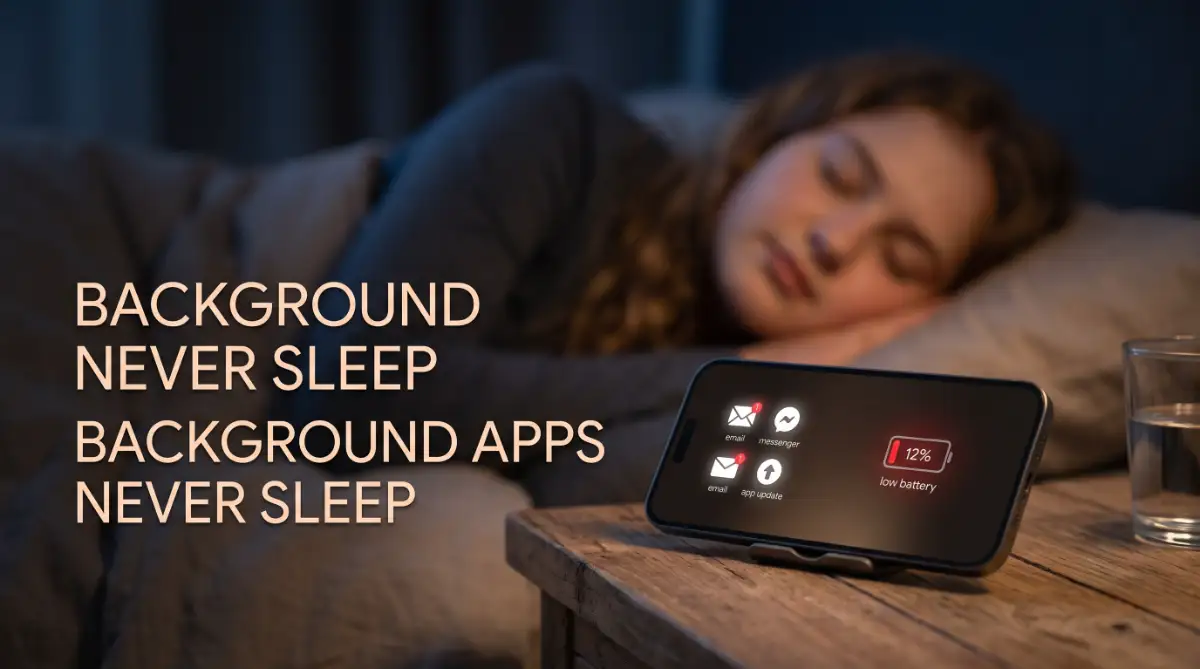
The single biggest reason you lose power at night is background app activity. App developers want their software to open instantly and show you the latest updates. To make this happen, apps constantly connect to the internet while you sleep.
Social media apps, email clients, and news widgets are the worst offenders. They silently wake up your device, download new photos, refresh timelines, and check for new messages. You are essentially using your phone all night long without even touching it.
To fix this right now, you need to take control of your app permissions. On an iPhone, go to Settings, tap General, and select Background App Refresh. You can turn it off completely or restrict it to only essential apps.
Android users have a similar path. Open Settings, navigate to Network & Internet, and look for Data Saver. You can also go into individual app settings and restrict their background battery usage. This small change will easily save you a massive amount of battery life.
The Signal Struggle: Searching for Ghost Networks
Your phone is deeply afraid of losing its connection to the world. If you sleep in a room with a weak Wi-Fi or cellular signal, your device will panic.
When a smartphone detects a weak signal, it actually boosts power to the internal antenna. It starts shouting into the void, desperately trying to find a strong connection. This constant searching requires a huge amount of electrical energy.
This network struggle is remarkably similar to the stress placed on computer hardware when pushed beyond its limits. In fact, ignoring this constant hardware strain is much like overheating issues in high-performance laptops, where ignoring the root cause leads to rapid battery degradation and system failure.
The solution here is wonderfully simple. If your bedroom has terrible cell reception, simply turn on Airplane Mode before you go to sleep.
If you still need to receive emergency calls, leave your Wi-Fi on and enable Wi-Fi calling. By stopping your phone from constantly searching for cell towers, your battery graph will stay completely flat until morning.
I used to make the huge mistake of leaving my Wi-Fi and mobile data on all night while sleeping in a room with awful signal. Once I realized my phone was working overtime just searching for a connection, switching to Airplane Mode before bed literally saved my battery life. It is such a tiny change, but it makes a massive difference in how long your phone lasts.
Location Services: The Invisible Tracker
Many people do not realize how often their phone checks their physical location. Ride-sharing apps, weather widgets, and even shopping apps constantly ping your GPS hardware to see where you are.
GPS is one of the most power-hungry features on any mobile device. Connecting to satellites in space requires serious energy. If a rogue app decides to track your location every ten minutes while you sleep, your battery will naturally plummet.
Go into your privacy settings and look at your location permissions. You will likely be shocked to see how many apps have access to your location at all times.
Change the permission for most of these apps to "Only While Using the App." You do not need a food delivery app tracking your physical body while you are fast asleep in your bed. Taking back this privacy will immediately boost your daily screen time.

Next-Level Power Saving Hacks Most Users Ignore
Once you have mastered the basics of background apps and signal searching, it is time to look at some advanced methods. Most people never dive into the deeper settings of their phones, which means they miss out on major battery improvements.
These advanced steps require a little more attention, but they provide massive long-term benefits. Think of this as fine-tuning an instrument. Putting effort into small details matters, just like poor editing ruins your video content if you ignore the timeline details, ignoring these system details will ruin your phone's performance.
If you are a visual learner, watch this quick video below to see exactly how to change these hidden power settings on your screen. After watching, keep reading to discover the five daily habits that are secretly destroying your battery right now!
Mastering the Deep Sleep State
Smartphones have a built-in feature called "Deep Sleep" or "Doze Mode." When your phone is left completely still and unmoving for a certain period, it shuts down almost all non-essential functions to preserve energy.
However, many things can interrupt this natural sleep cycle. Constant push notifications will wake the screen up, breaking the Doze cycle. Every time your screen lights up to show a random promotional email, you lose a tiny bit of power.
To force your phone into deep sleep, use the "Do Not Disturb" feature. Set a strict schedule that matches your sleeping hours. This ensures that only priority calls can wake up the screen, allowing your device to rest peacefully.
You should also place your phone face down on your nightstand. Many modern smartphones use light sensors to know when they are face down. When in this position, they will refuse to light up the screen even if a notification comes through, saving precious energy.
Managing Battery Health and Degradation
If you have tried all software fixes and your battery still drains overnight, you might be facing a hardware reality. Batteries age. Every time you charge and discharge your device, the chemical components inside slowly degrade.
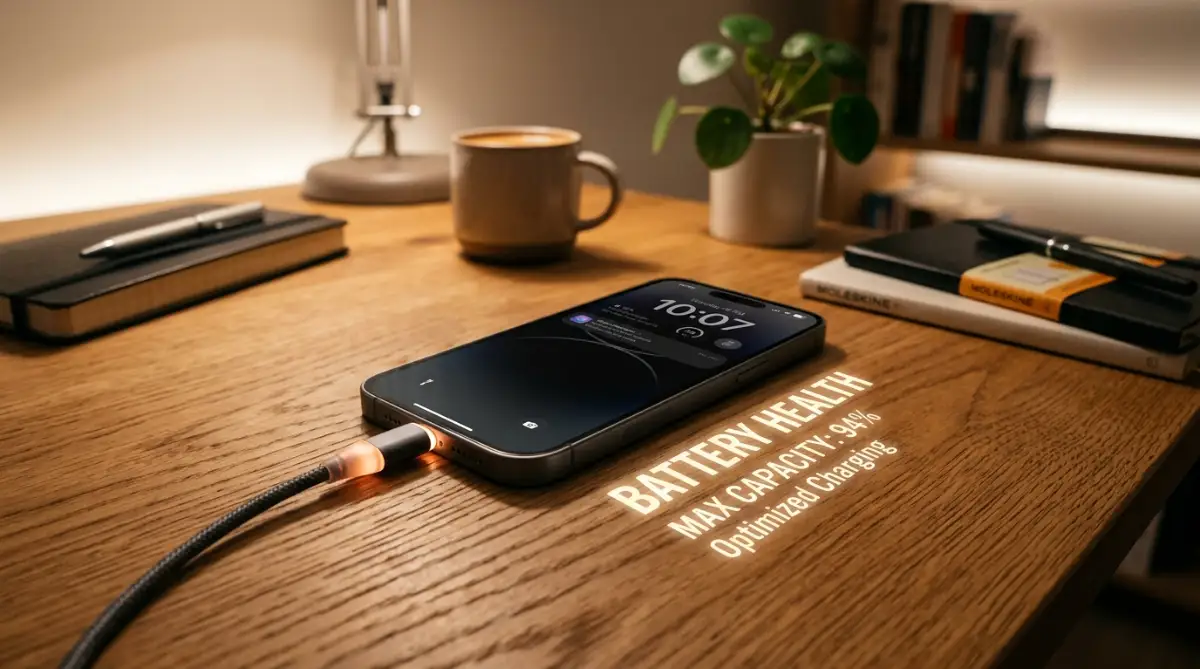
You can check the physical health of your battery in your system settings. Apple devices have a dedicated "Battery Health" screen. Many Android manufacturers offer similar diagnostic tools.
If your maximum battery capacity has dropped below eighty percent, no software trick in the world will bring back your original battery life. The physical battery simply cannot hold the charge anymore.
In this scenario, replacing the physical battery is the most logical step. It is a very normal part of device maintenance. Maintaining your hardware properly is essential, much like calibrating a drone to avoid hardware failure; regular hardware checks keep the whole system flying smoothly.
The Dark Mode Advantage
This tip sounds almost too simple to be true, but the science behind it is highly effective. If your phone uses an OLED or AMOLED screen, switching to dark mode can save an incredible amount of power.
On these specific screens, every single pixel generates its own light. When a pixel needs to show the color black, it simply turns off completely. It draws zero power.
If you wake up in the middle of the night to check the time or read a quick message on a bright white screen, you are draining power fast. By using a system-wide dark theme, you keep most of the screen physically turned off.
This not only saves battery life but is also much gentler on your eyes in a dark room. It is a simple, effective change that improves the overall user experience instantly.
5 Dangerous Habits Destroying Your Battery Life
Even if you fix your settings, your daily habits might be secretly destroying your battery's ability to hold a charge. Many people unknowingly abuse their devices. Here are the five biggest mistakes you need to avoid starting today.
1. Swiping Away All Your Apps
It feels very satisfying to open your task manager and swipe away every open app. People think they are cleaning their phone and saving battery. In reality, they are doing the exact opposite.
Modern operating systems are incredibly smart. They freeze apps in the background, using almost no power. When you force close an app, your phone has to load all that heavy data from scratch the next time you open it. This heavy lifting burns through your battery life very quickly. Let your phone manage its own memory.
2. Charging with Cheap, Fake Cables
Buying a cheap gas station charger might save you a few dollars today, but it will cost you hundreds later. Fake chargers do not have the proper safety chips inside them.
These cheap cables push unregulated electricity into your device. This causes major overheating and damages the chemical structure of the battery. Always use certified cables and charging bricks from trusted brands to protect your device.
3. Sleeping with Your Phone Under Your Pillow
Heat is the absolute worst enemy of a lithium-ion battery. When a battery gets too hot, the internal cells break down permanently.
If you sleep with your phone under your pillow, the heat generated by the device has nowhere to escape. The phone slowly cooks itself all night long. Always leave your phone on a hard, flat surface like a wooden nightstand so it can breathe and stay cool.
4. Leaving Screen Brightness on Maximum
Your screen is the most power-hungry part of your entire smartphone. Leaving your brightness slider at one hundred percent all day puts massive stress on the battery.
Turn on the Auto-Brightness feature. Let the ambient light sensor adjust the screen based on your surroundings. You rarely need maximum brightness unless you are standing outside under direct sunlight.
5. Ignoring System Updates
Many people ignore the little notification asking them to update their phone software. They worry the update will change things they do not like.
However, manufacturers often release software updates specifically to fix hidden bugs that cause battery drain. By ignoring these updates, you are forcing your phone to run on broken code. Always install the latest stable system updates to keep things running efficiently.
Enjoy a Full Day of Power Starting Tomorrow Morning
Dealing with a dying smartphone can make you feel completely out of control, but you now have the exact blueprint to fix it. You do not need to be a technology expert to understand how your device works.
By simply turning off unnecessary background refreshing and taking control of your location services, you are giving your phone a chance to finally sleep. Letting your device rest at night means it will be ready to work hard for you during the day.
Start making these small adjustments tonight before you go to bed. Turn on airplane mode if your signal is weak. Put your phone face down on the table. Stop swiping away your apps aggressively.
When you wake up tomorrow morning, you will look at your screen and finally see a high battery percentage. You can start your morning peacefully, knowing your phone is ready to handle whatever the day brings. Take action on these steps today, and take back control of your mobile life.
Seeing my phone wake up with plenty of battery every single morning has given me so much peace of mind. You do not have to put up with the daily stress of a dying battery anymore. Just try a few of these simple tweaks tonight, and I promise you will wake up to a much happier morning tomorrow!
Disclaimer: The tips and settings shared in this guide are based on my own personal experience and general tech knowledge. Because every smartphone model, software version, and battery age is a little bit different, your results might not be exactly the same as mine. If your phone gets dangerously hot or you think the battery is physically damaged, please take your device to a professional repair shop to stay safe.