
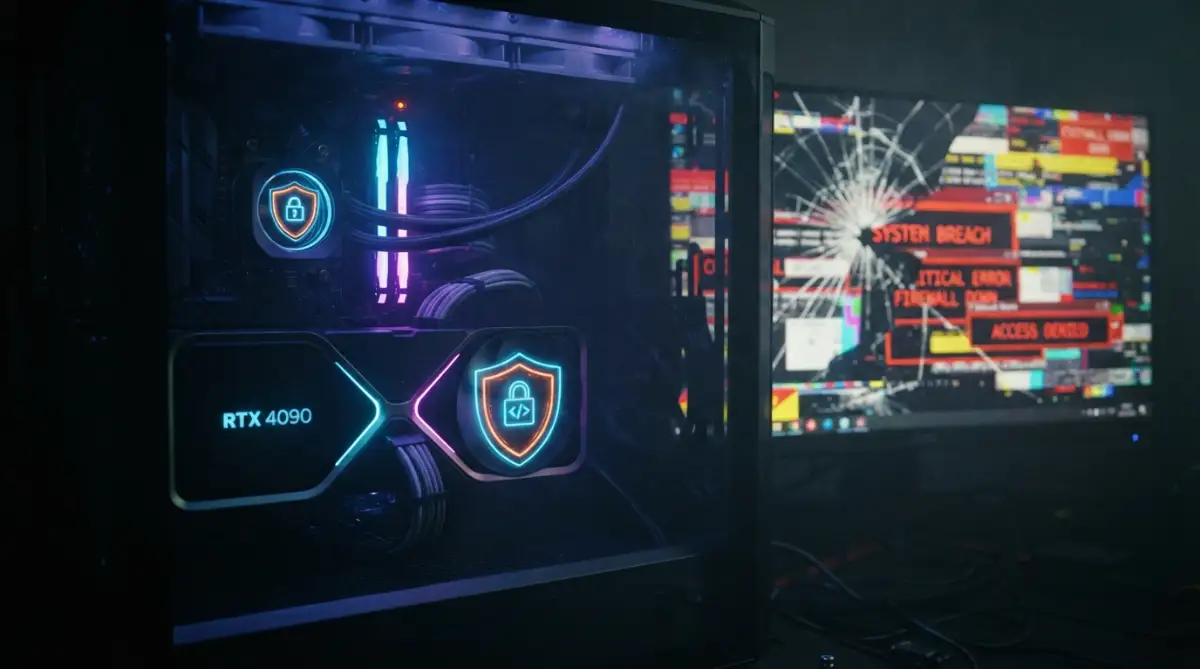
You boot up your PC, ready to game. Suddenly, your screen looks like a broken disco ball.
Neon squares. Jagged lines. Your heart sinks.
You're probably mentally calculating the cost of a new GPU right now. Don't pull out your credit card just yet.
Stop Panicking: The Real Story Behind Screen Glitches
You're right in the middle of an intense gaming session, and suddenly, weird neon squares cover your monitor.
Bright pink lines shoot across the display. Character models stretch into infinite, jagged spikes.
Panic sets in instantly. You immediately assume your expensive graphics card is completely dead. You start calculating exactly how much money a replacement will cost.
Stop right there. Take a deep breath.
Here's the thing. Seeing those horrifying visual glitches doesn't automatically mean your hardware is fried. We've seen hundreds of users throw away perfectly capable hardware simply because they didn't understand what was actually happening under the hood.
Most of the time, the machine is just trying to communicate a specific point of friction. It's crying out for basic maintenance, better airflow, or a clean software slate. If you approach this logically, you can usually save your hardware without spending a single dime.
The GPU Artifacting Quick Summary
-
Check your thermals instantly: Overheating is the absolute most common trigger for random screen glitches.
-
Wipe your old drivers completely: Corrupted software updates cause massive communication errors between the system and the screen.
-
Inspect the physical connections: A slightly loose display cable ruins the entire visual output.
-
Dial back the factory clocks: Pushing the memory chips too hard causes instant instability.
-
Test the power delivery: Starving a high-end card of stable voltage leads to random crashes and artifacting.
Decoding the Neon Squares and Flashing Lines
Let's break down what actually happens inside your computer when the screen goes crazy.
Your graphics processor is basically an incredibly fast math machine. It calculates millions of polygons, lighting effects, and textures every single second. When it finishes a calculation, it sends that finished frame to your monitor.
The processor still sends the data, but the math is entirely wrong. Your monitor doesn't know the difference. It just displays whatever broken data it receives. We call this visual garbage "artifacting."
Sometimes it looks like tiny checkerboards scattered across your desktop. Other times, it manifests as massive black tears slicing through your favorite game.
Want a visual breakdown of how these specific errors look in real-time? Check out this quick diagnostic video before moving forward:
The Invisible Enemy Frying Your Silicon
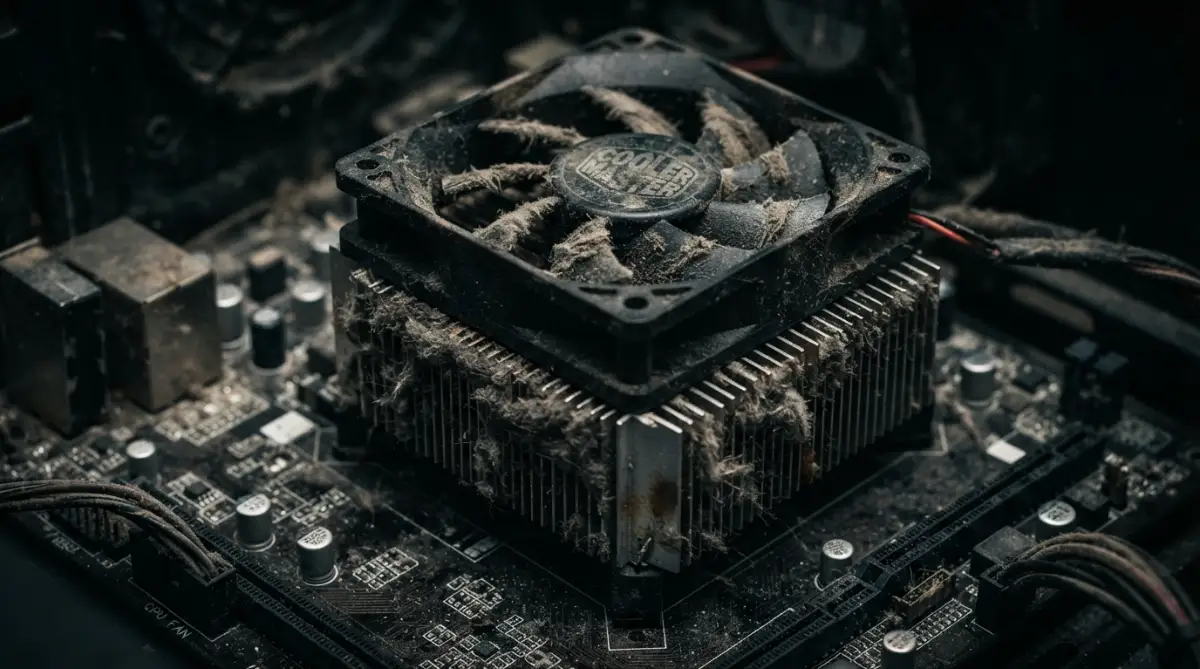
Heat is the absolute worst enemy of complex electronics. It's the silent killer lurking inside nearly every dusty PC case.
When silicon chips get too hot, their electrical resistance changes. They start dropping data packets. They struggle to maintain the aggressive speeds they were designed for.
Think about it. Your graphics card has a massive block of metal and multiple fans attached to it for a very good reason.
Over time, the thermal paste sitting between the processor die and the cooler degrades. It turns from a highly conductive liquid into a crusty, useless chalk. When this happens, the heat has nowhere to go. It builds up inside the chip itself.
The system will try to protect itself by slowing down (thermal throttling). This protective mechanism is often why you need to figure out how to fix a slow laptop quickly before permanent silicon damage occurs.