The Hidden Danger Sitting on Your Gaming Desk
Virtual reality brings incredible worlds right into our living rooms. We spend hundreds of dollars on these amazing headsets to escape reality and have fun. However, the moment we take the headset off, we often make terrible mistakes.
You finish a heavy gaming session, feeling tired but happy. You casually toss your headset onto your desk, right next to a sunny window. At that exact moment, you might be slowly destroying your expensive device without even realizing it.
VR gears are extremely sensitive, much like a high-end computer. If you know how to diagnose and fix overheating issues in high-performance laptops, you already understand that heat and poor placement can ruin expensive tech. Sadly, most people treat their VR headsets like a cheap pair of headphones.
This simple lack of knowledge leads to so much unnecessary pain. Let me show you why so many people struggle with broken VR equipment:
- Sunlight damage happens in seconds: Many gamers do not realize that the lenses inside a VR headset act like strong magnifying glasses.
- Following bad advice: People often watch quick online videos that show headsets stored on cheap, unbalanced display stands.
- Ignoring cable stress: Wrapping the cables tightly around the headset seems like a good idea, but it actually breaks the internal copper wires.
- Poor cleaning habits: Wiping the lenses with a dirty t-shirt before storing them causes permanent micro-scratches on the glass.
These common mistakes do much more than just break a piece of plastic. They completely destroy your peace of mind and your confidence in handling technology. Let's look at how this impacts you directly:
- Financial stress: Replacing a headset because of a burnt screen can cost you the price of a brand-new device.
- Ruined experiences: Imagine inviting your friends over to play, only to find dead pixels floating in the middle of your vision.
- Frustration and anger: Dealing with tangled, broken cables right when you want to relax after work is incredibly annoying.
- Loss of resale value: A scratched and poorly maintained device will sell for almost nothing if you ever want to upgrade.
I know exactly how heartbreaking it is to put on your headset and see permanent purple spots on the screen. It feels like throwing your hard-earned money straight into the garbage. But do not worry, you are in the right place to fix this.
Just like a professional photographer needs to know drone calibration tips to avoid costly repairs, you need to learn the basics of VR care. We are going to walk through exactly what you need to do. By the end of this guide, your equipment will stay safe, clean, and ready for action.
I learned this the hard way when I left my very first VR headset sitting on my bedroom desk on a lazy Sunday morning. By the time I came back from breakfast, the morning sun had burned a permanent yellow streak right across the internal screen, completely ruining my brand-new device. That painful and expensive mistake is exactly why I am so obsessed with sharing these safety tips with you today.
Essential Steps for Ultimate VR Protection
Keeping your virtual reality equipment in perfect condition is not overly complicated. It just requires building a few smart habits after you finish playing. Let's break down the most effective ways to protect your gear starting today.
Protect the Lenses Like Precious Diamonds
The lenses are the absolute most important part of your entire headset. If the outer plastic shell gets a scratch, your device still works perfectly. But if your lenses get scratched or sun-damaged, the whole device becomes useless.
Inside the headset, right behind the lenses, sits a highly sensitive display screen. If direct sunlight hits those lenses, they focus the sun's rays directly onto that screen. According to experts on display screen burn-in and care, focused heat will permanently burn the pixels in less than a minute.
This means you should never, ever store your headset facing a window. Even on a cloudy day, the UV rays can bounce off mirrors or bright surfaces in your room. Always point the lenses away from any natural light source.
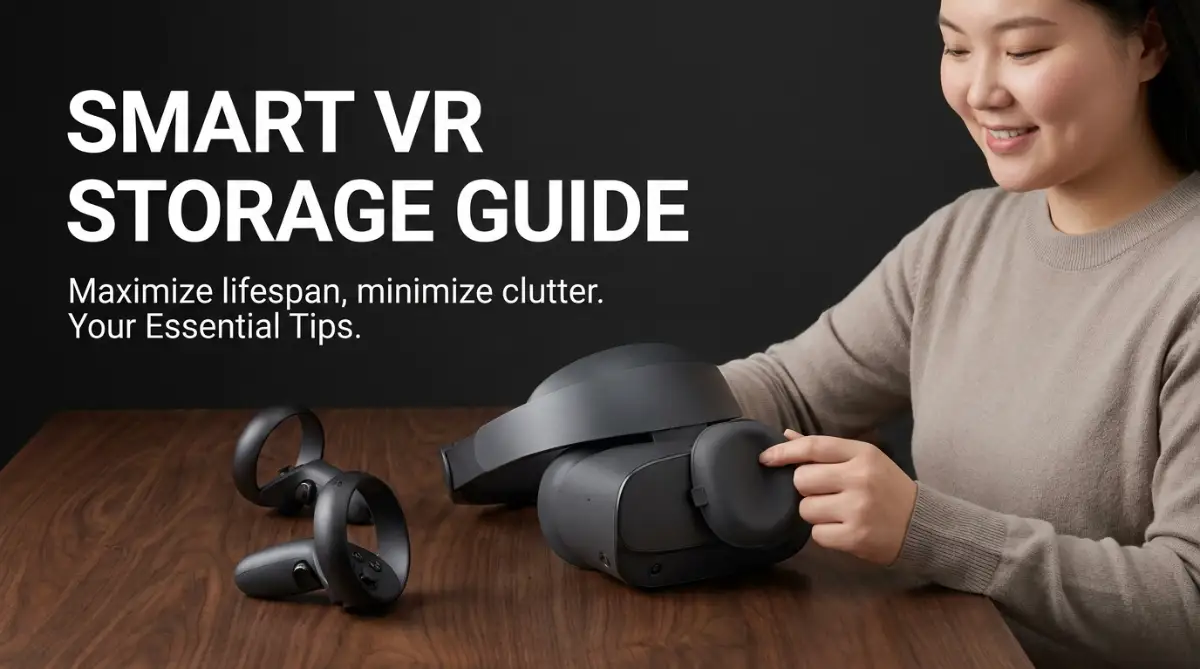
The smartest thing you can do is buy a simple, cheap lens cover. This is a soft piece of foam or microfiber that fits snugly over the eye holes. If you do not have one, keep the headset inside its original box or a dark carrying case.
Before you put the headset away, always wipe the lenses with a clean microfiber cloth. Never use paper towels, toilet paper, or your shirt. Wood fibers in paper products will leave tiny scratches that make your virtual world look blurry and dull.
Master the Art of Cable Management
If you own a wired PC VR headset, your cable is your lifeline. These cables push massive amounts of data and video directly to your eyes. They are much more complex than a standard phone charging cord.
When you finish playing, your first instinct might be to wrap the cord tightly around the headset body. This is a massive mistake that ruins thousands of headsets every day. Tightly wrapping the cord causes the internal wires to twist, pinch, and eventually snap.
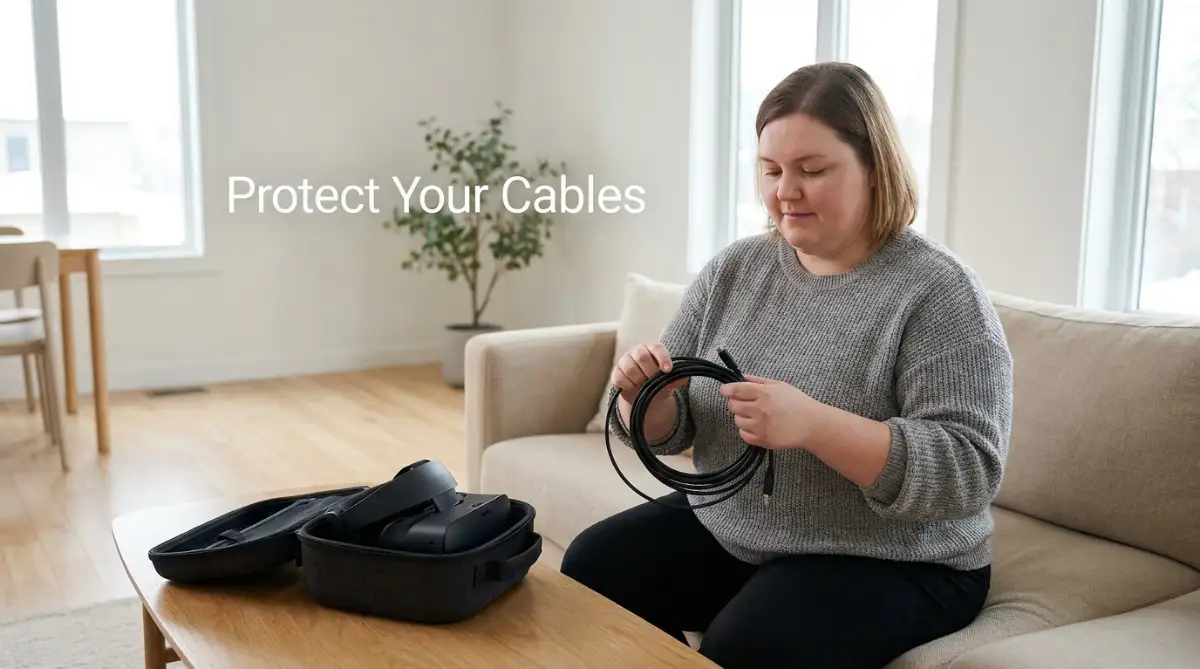
Instead, you need to learn a technique called the "over-under" method. Audio professionals use this method to store thick microphone cables without damaging them. You gently loop the cable in natural circles, letting it follow its own natural curve.
If you have never seen the "over-under" cable wrapping method in action, watch this quick visual guide below to see exactly how it is done, and then keep reading to find out how a sweaty gaming session can silently destroy your headset!
Never force the cable to bend at sharp angles, especially where it connects to the headset itself. If the connection port gets bent, you will start experiencing black screens and random disconnects during your games.
If you use a pulley system on your ceiling, make sure to unhook the cable when you are done playing. Leaving the headset hanging by its cord puts terrible stress on the connection port. Store the neatly coiled cable flat on a desk or in a drawer.
If there is one thing my history of broken headset wires taught me, it is that rushing after a long gaming session is a bad idea. A quick pro tip: I actually keep a small velcro tie permanently attached to my headset cable right near the plug. It forces me to slow down and wrap the cord properly every single time, which has saved me from buying yet another expensive replacement cord.
Keep Moisture and Sweat Away from Electronics
Virtual reality gaming is an incredibly active hobby. Games like Beat Saber or boxing simulators will make you sweat heavily. Storing a damp, sweaty headset is a guaranteed way to cause serious damage.
When you sweat, moisture gets trapped inside the foam face cushion. If you just throw the headset into a closed box right after playing, that moisture has nowhere to go. It creates a humid environment that can easily cause water damage to the internal computer chips.
Worse yet, trapped moisture allows mold and bacteria to grow inside the foam cushion. The next time you put the headset on, you could get a terrible skin rash or eye infection. Always let your headset dry out in a cool, well-ventilated room before packing it tightly away.
I highly recommend buying a silicone cover for your face cushion. Silicone does not absorb sweat at all. When you finish playing, you can simply wipe the silicone clean with an antibacterial wipe and dry it with a towel.
Never use a hairdryer to speed up the drying process. The intense heat will melt the glue holding the headset together and warp the plastic. Just wipe it down, place it on a stable desk, and let normal room air do the job.
By mastering these first three steps, you are already doing better than most VR owners. Your lenses are safe from the sun, your cables are healthy, and your device is clean. Now, let's look at a few more expert-level habits to extend the life of your gear even further.
Advanced Strategies for Long-Term Device Health
You have already learned the basics of protecting your lenses and cables. Now, let's explore some professional secrets that will keep your VR gear running perfectly for years. These advanced tips will ensure you get the best possible return on your investment.
Manage Your Battery Storage Correctly
Most modern standalone headsets rely on internal lithium-ion batteries. How you treat this battery directly determines how long your headset will live. Many people think they should leave their device plugged in 100% of the time so it is always ready.
This is actually a very bad habit. Keeping a lithium-ion battery constantly at maximum charge puts unnecessary stress on the internal cells. Battery experts from resources like Battery University suggest that keeping batteries constantly maxed out reduces their overall lifespan.
If you are not going to play for a few weeks, do not store the headset with a totally full or totally empty battery. The sweet spot for long-term storage is right around fifty percent charge. This keeps the battery chemistry stable and prevents it from degrading while it sits in your closet.
Always use the original charger that came with your device. Cheap, third-party chargers might push too much power and fry the internal power board. Once your headset reaches a full charge after a gaming session, simply unplug it.
Care for Your Tracking Controllers
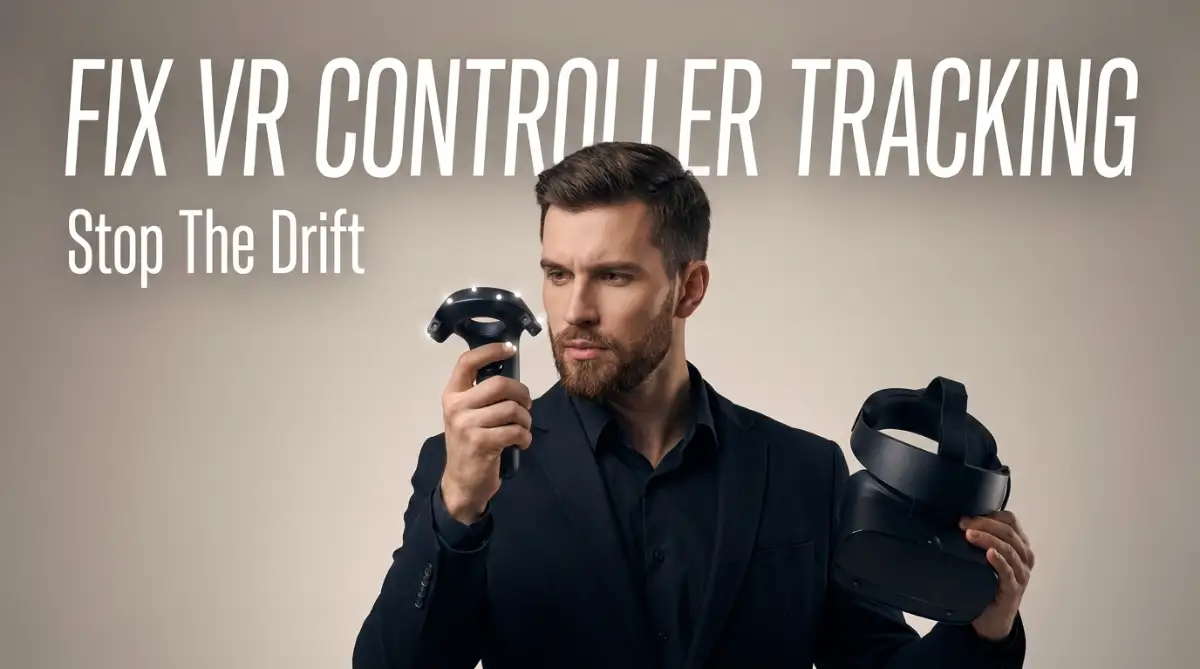
We focus so much on the headset that we often forget about the controllers. These little devices are packed with sensitive motion tracking rings and sensors. Dropping them or storing them poorly will ruin your ability to interact with your games.
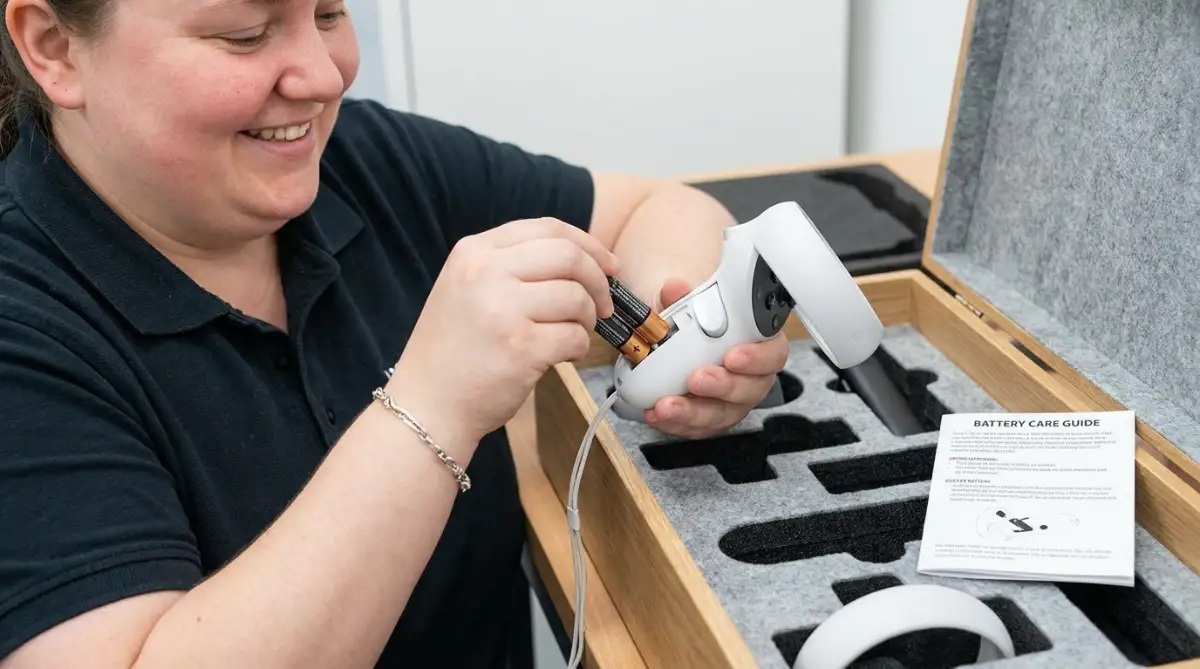
The biggest secret to controller longevity is managing the AA batteries. If you plan to put your VR gear away for more than a month, you must take the batteries out. Alkaline batteries are famous for leaking dangerous battery acid when left inside unused electronics for a long time.
If battery acid leaks inside your controller, it will destroy the metal contact points and fry the motherboard. It takes exactly five seconds to pop the batteries out, but it can save you hundreds of dollars in replacements. Store the loose batteries right next to the controllers in your carrying case.
Also, pay attention to the tracking rings on the top of the controllers. Do not store the controllers in a tight bag where heavy objects might press against these rings. If the rings get bent or cracked, the headset will no longer be able to track your hand movements.
If you love using AI to generate high-quality conceptual art inside VR applications, you need perfect controller tracking. A cracked sensor ring will make your virtual paintbrushes glitch and jump all over the screen. Treat your controllers with the same respect as the headset itself.
The Biggest Storage Pitfalls to Avoid
Even with the best intentions, people still make massive mistakes when putting their gear away. Let's look at the absolute worst things you can do to your virtual reality equipment. Avoiding these pitfalls is mandatory if you want your device to survive.
First, never store your VR equipment in a basement or an attic. These spaces experience extreme changes in temperature and humidity throughout the year. Freezing cold temperatures can make the internal plastics brittle, while high heat will melt the internal adhesives.
Second, avoid storing your device on the floor. It sounds obvious, but many gamers just leave their headset next to their computer chair. A headset on the floor is waiting to be stepped on, kicked, or chewed by a curious pet. Always keep it elevated on a sturdy desk or inside a drawer.
Third, do not use chemical glass cleaners on your VR lenses. Standard window cleaners contain ammonia and alcohol, which are far too harsh for VR equipment. These chemicals will literally melt the special anti-glare coating right off your expensive lenses.
Fourth, stop ignoring dust build-up on the external tracking cameras. Modern headsets use tiny cameras on the front shell to scan your room and track your movements. If these cameras get covered in thick dust during storage, your headset will lose tracking and constantly crash your games.
Finally, never pack your headset tightly into a travel bag while it is still turned on or in "sleep" mode. The device will occasionally wake up to download software updates, generating heat inside the bag. With no fresh air to cool it down, the headset will overheat and potentially damage the battery.
These mistakes are incredibly common, but they are also very easy to avoid. If you can remember to turn the device completely off, keep it off the floor, and avoid harsh chemicals, you are in great shape. Simple awareness is your best defense against broken technology.
Taking Action for a Better Gaming Experience
We have covered a lot of ground today regarding your virtual reality equipment. You now understand exactly why sunlight is your biggest enemy and why cable management matters so much. You also know the secrets of battery care and how to protect those sensitive controllers.
This might seem like a lot of rules to follow, but it truly becomes second nature after a few days. Taking care of your equipment is simply part of being a smart, responsible gamer. It is about protecting your hard-earned investment and ensuring your gaming sessions are always flawless.
Think about how amazing it feels to put on a headset that is clean, fully charged, and perfectly clear. You don't have to deal with annoying smudges, tangled wires, or low battery warnings. You can just dive straight into your favorite digital worlds without a single care.
Like learning why bad video editing secretly hurts your YouTube channel, learning bad storage habits silently ruins your VR experience. Bad habits slowly eat away at the quality of your fun. But today, you have the power to change those habits for good.
I challenge you to look at where your VR headset is sitting right now. Is it near a window? Are the cables tangled? Take five minutes today to clean it up, wrap the cords nicely, and find a safe, dark place for it to live.
Your future self will absolutely thank you. Your friends will be amazed at how pristine your gear looks, and your wallet will stay happy and full. Start protecting your virtual reality gear today, and keep those digital adventures running smoothly for years to come.
Looking back, taking those extra two minutes to pack up my headset properly has given me so much peace of mind. You do not need to be a tech expert to keep your gear safe; you just need a little bit of daily care. Trust me, the next time you jump into a game with a crystal-clear screen and a healthy battery, you will be so glad you built these simple habits.
Disclaimer: The information provided in this article is based on personal gaming experience and general best practices for electronics care. Always read your specific manufacturer's manual for official safety guidelines and warranty information regarding your exact VR model.