The Hidden Costs and Frustrations of Sourcing Visuals
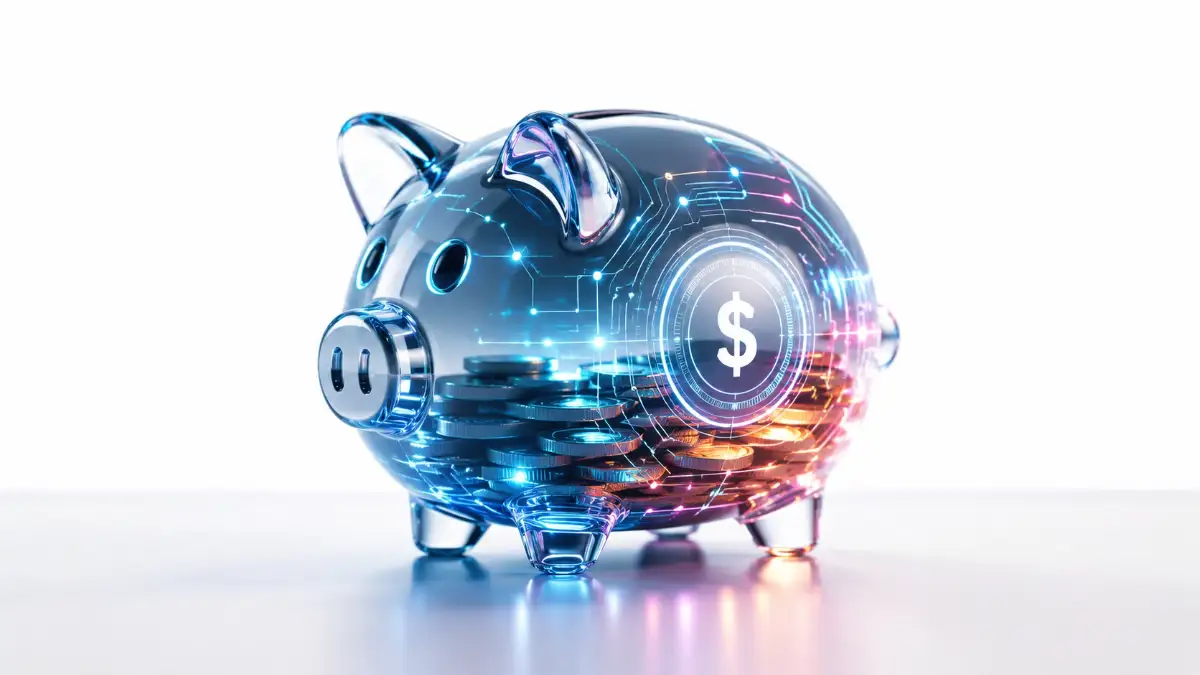
Do you constantly worry about the high cost of visual content for your personal projects or business? You probably have amazing ideas for a new blog, a freelance side hustle, or a digital product. But every time you need a professional image to make your project stand out, you hit a massive financial wall. Premium stock photo subscriptions cost hundreds of dollars every single month.
Hiring custom illustrators drains your savings before your business even gets a chance to launch. You sit there, staring at a blank screen, feeling completely overwhelmed by these unfair financial barriers. It feels like the internet is designed to empty your wallet just so your work can look halfway decent. Every dollar you spend on generic photos is a dollar taken away from your personal savings.
I remember staying up until 2 AM, staring at my brand-new blog, and feeling completely stuck. I had just spent $45 on a single stock photo that did not even match my vision, and my savings were almost gone before I even published my first post. I realized right then that if I did not find a cheaper way to create decent images, my dream of running an online business was going to fail fast.
Why is it so hard to find a simple, cost-effective solution for good art? The internet is full of confusing, misleading advice that only makes things worse. Here is why you might still be struggling:
- You are pushed toward expensive tools: Many online gurus tell you that you must buy costly software subscriptions to get professional results.
- Free sites offer terrible quality: You try relying on standard free photo websites, but they only offer generic, overused images that make your brand look cheap.
- Hidden fees trap you: You sign up for a platform that claims to be free, but they suddenly charge you money when you try to download a high-resolution file.
- Tutorials are too complex: You waste hours watching complicated videos that assume you already have a degree in computer programming or design.
- Basic generators fail you: You try using random free AI tools, but the results look distorted, weird, and completely unusable for a serious project.
This endless cycle of searching and paying does more than just hurt your bank account. It slowly destroys your inner motivation and peace of mind.
- Your confidence drops instantly: Seeing your projects look amateur compared to well-funded competitors makes you doubt your own potential.
- Financial stress causes heavy anxiety: The constant pressure to spend money on visuals makes you want to abandon your money-making goals entirely.
- Imposter syndrome takes over: You start to feel a deep sense of inadequacy, wrongly believing you are just not talented enough to succeed online.
- Fear of copyright strikes keeps you awake: Your peace of mind is ruined by the constant worry that a free image you used might result in a costly legal penalty.
- Creative burnout sets in quickly: You experience extreme exhaustion from spending more time hunting for affordable images than actually building your financial future.
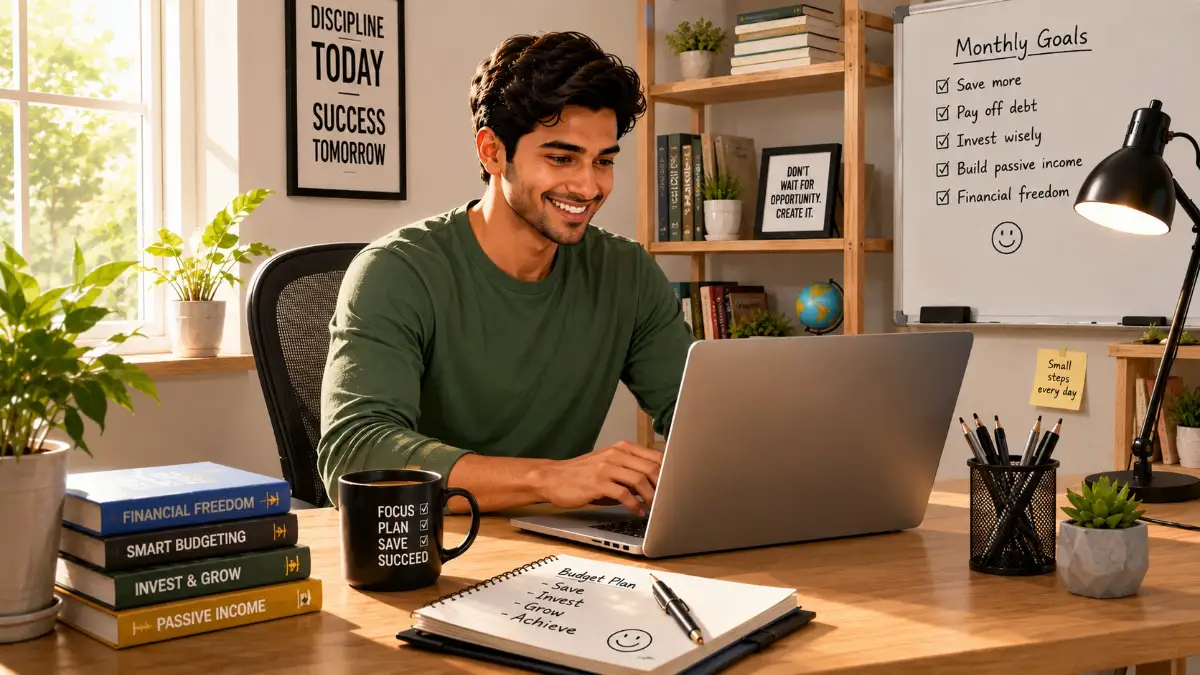
The Smart Blueprint for Creating AI Art on a Budget
Creating beautiful images does not require a massive budget. You just need the right knowledge and a clear plan of action. By learning how to generate conceptual art yourself, you take control of your financial resources.
Let us look at a simple, highly effective method to create beautiful visuals. These steps are designed to save you money while giving you amazing, professional-grade results.
Choosing the Right Free AI Generator for Your Needs
The very first thing you must do is stop paying for expensive subscriptions right away. Many beginners think that throwing money at a premium tool will magically produce better art. This is simply not true.
The smartest financial move is to start with powerful platforms that offer generous free daily credits. Tools like Bing Image Creator (powered by DALL-E 3) or free versions of Leonardo AI are perfect starting points. They allow you to test your ideas without spending a single penny from your savings. When you use a free tier, you learn how to be resourceful. You begin to understand how the machine thinks and responds to your words. This trial period is incredibly important for your learning curve.
Let us imagine a real-life scenario to understand this better. Suppose you are starting a personal finance blog and need 10 featured images a week. If you buy a premium stock photo plan, you might spend up to fifty dollars monthly. Over time, that is a huge chunk of your potential profits gone. By utilizing free daily credits on AI platforms, you keep that money safely in your pocket. You simply log in, type your idea, and let the artificial intelligence do the heavy lifting for free.
Actionable Advice:
Create a dedicated email address just for your creative side hustles. Use this email to sign up for three different free AI image generation platforms. If you run out of daily credits on one tool, you can simply switch to the next one. This strategy guarantees you never hit a paywall during your workday.
It is a completely logical approach to resource management. By spreading your work across multiple free platforms, you maximize your output while minimizing your business expenses.
Structuring Prompts to Avoid Wasting Resources
A prompt is just the text you type into the AI to tell it what to draw. Think of writing a prompt like giving directions to a taxi driver. If you just say "take me to the city," you might end up anywhere, wasting both time and money.
If you give exact, clear directions, you reach your destination quickly and cheaply. Every time you write a bad prompt, the AI produces a bad image. When this happens, you waste your daily free credits.
Wasting credits is exactly like throwing away money. To stop this, you need to use a scientific, structured approach to your text inputs. You must tell the AI exactly what you want in a specific order.
The most effective formula is: Subject + Setting + Lighting + Art Style.
First, clearly define your main subject. Do not just say "a man." Say "an older man wearing a sharp business suit." This gives the machine a strict boundary to work within.
Next, describe the setting or background. Instead of leaving it blank, type "sitting in a modern office with large glass windows." Now the AI knows exactly where to place your subject.
Then, you must mention the lighting. This is the secret trick that separates amateur images from professional art. Good lighting makes things look expensive and high-quality. Add phrases like "soft natural sunlight coming from the window" to instantly improve the image.
Finally, state the art style you want. Since we want conceptual art, you can use terms like "digital conceptual art, highly detailed, vivid colors."
I used to write huge, messy paragraphs trying to explain every tiny detail to the AI, which only gave me weird, confusing pictures. Once I started sticking strictly to this simple four-part formula, my results improved overnight. It honestly felt like a magic trick that saved me hours of frustration.
Actionable Advice:
Always keep a basic text file on your computer with your favorite prompt formulas. Instead of typing from scratch every time, just copy and paste your winning formula. You only need to change the main subject for each new image.
This simple habit saves you hours of frustration. It also ensures every single image you generate looks like it belongs to the same professional brand. Consistency builds trust, and trust brings more success to your personal projects.
If you are more of a visual learner, check out this quick video below where someone walks through the exact steps of writing a perfect prompt. Give it a watch to see the magic in action, and then keep reading to learn how to fix the weird mistakes AI sometimes makes!
Fixing Mistakes with Smart Iteration Techniques
Even with the best instructions, the artificial intelligence will sometimes make mistakes. You might get an image where a character has an extra finger, or the background looks a little messy. Do not panic and do not delete your account.
Learning how to fix these small errors is a highly valuable skill. It prevents you from starting over completely, which saves your precious daily credits. The most powerful tool for fixing mistakes is something called a "negative prompt."
A regular prompt tells the AI what you do want to see. A negative prompt tells the AI what you do not want to see.
For example, if you notice the AI keeps generating blurry images, you can use a negative prompt. You simply type words like "blurry, out of focus, distorted, low quality" into the negative prompt box. The machine will actively avoid creating those specific flaws.
This feature acts as a safety net for your creative process. It mathematically filters out bad data before the image is even drawn.
Let us look at another practical scenario. Imagine you are generating art for a book cover that you want to sell online. The AI generates a beautiful design, but it randomly places ugly text in the middle of the artwork.
Instead of rewriting your entire main idea and wasting another credit, you just add "text, watermarks, letters, typography" to the negative prompt section. You click generate again, and the annoying text is gone forever.
Actionable Advice:
Never accept the very first image the AI gives you. Treat the first result as a rough draft. Look closely at the details, find what looks wrong, and use negative prompts to clean it up.
Patience in this step is highly rewarding. By taking an extra two minutes to refine your image, you turn a cheap-looking graphic into premium conceptual art. You get agency-level quality entirely for free, keeping your business budget completely safe and sound.
Mastering Professional AI Art Techniques to Protect Your Profits
Now that you know the basics of structured text inputs, it is time to level up your skills. The difference between an amateur and a professional is consistency. If you want to use these images for a profitable blog or an online business, you need total control over your results.
Learning advanced techniques ensures you never have to hire an expensive graphic designer again. You can create a complete visual brand identity entirely on your own. Let us explore a few expert secrets that will maximize your daily free credits and keep your budget safe.
Stealing Like an Artist Using Seed Numbers
One of the biggest frustrations beginners face is creating a beautiful character but never being able to recreate them. You might generate a perfect image of a smart investor for your financial blog. But when you try to generate that exact same person in a different pose, the machine gives you a completely different face.
This inconsistency makes your website look messy and unprofessional. To fix this, you must learn how to use a secret tool called a "seed number." A seed number is simply a unique mathematical code attached to every single image the machine creates.
Think of a seed number like a secret family recipe for baking a cake. If you just tell a baker to "bake a chocolate cake," you will get a different cake every time. But if you hand them the exact recipe card, you get the exact same taste and texture.
When you find an image you love, look for the seed number in the image details section. Copy that long string of numbers and save it in your notes. The next time you write a prompt, paste that seed number at the very end of your text.
Actionable Advice:
By reusing the same seed number, you force the machine to remember the exact facial features and art style of your previous generation. This allows you to create a complete series of matching illustrations for free. You save hundreds of dollars that would normally go to a professional illustrator for character consistency.
Upscaling Images for Premium Commercial Use
Free AI generators often give you images in a standard, slightly compressed size. This standard size looks perfectly fine on a small mobile phone screen. However, if you want to print this art or use it as a large website banner, it might look blurry.
You do not need to buy costly photo editing software to fix this issue. The secret to premium quality is a process called "upscaling." Upscaling uses smart technology to add missing pixels to your image, making it crystal clear and highly detailed.
Imagine looking at a beautiful painting through a dirty window. Upscaling is like wiping the glass clean so you can see every tiny brushstroke perfectly. It instantly turns a basic free image into a high-end graphic that looks like it costs money.
Many free platforms have built-in upscalers that you can use with a simple click. Alternatively, there are dedicated free upscaling websites available online. You simply upload your generated art, select the size you want, and download the massive, high-resolution file.
Actionable Advice:
Always upscale your final images before uploading them to your personal finance blog or digital store. High-resolution images instantly build trust with your website visitors. When your audience trusts your brand, they are much more likely to click your links and increase your online income.
Building a Long-Term Free Asset Library
Generating amazing art is only half the battle. If you do not organize your files properly, you will waste valuable time searching for them later. Time is your most precious asset when you are trying to build a profitable side hustle.
Every time you create a stunning piece of conceptual art, save it immediately to a well-organized cloud folder. Do not just leave it sitting in your internet browser history. Create specific folders named after your project topics, like "Budgeting Icons" or "Investment Hero Images."
Inside these folders, save both the image file and a simple text document containing the exact prompt and seed number used. This creates a massive personal library of reusable assets. Over the next few months, you will build a digital treasure chest of premium graphics.
If you ever need a quick image for a social media post, you do not even need to generate a new one. You just open your personal library and pick a beautiful piece of art you already made. This highly efficient system protects your daily free credits and drastically speeds up your work process.
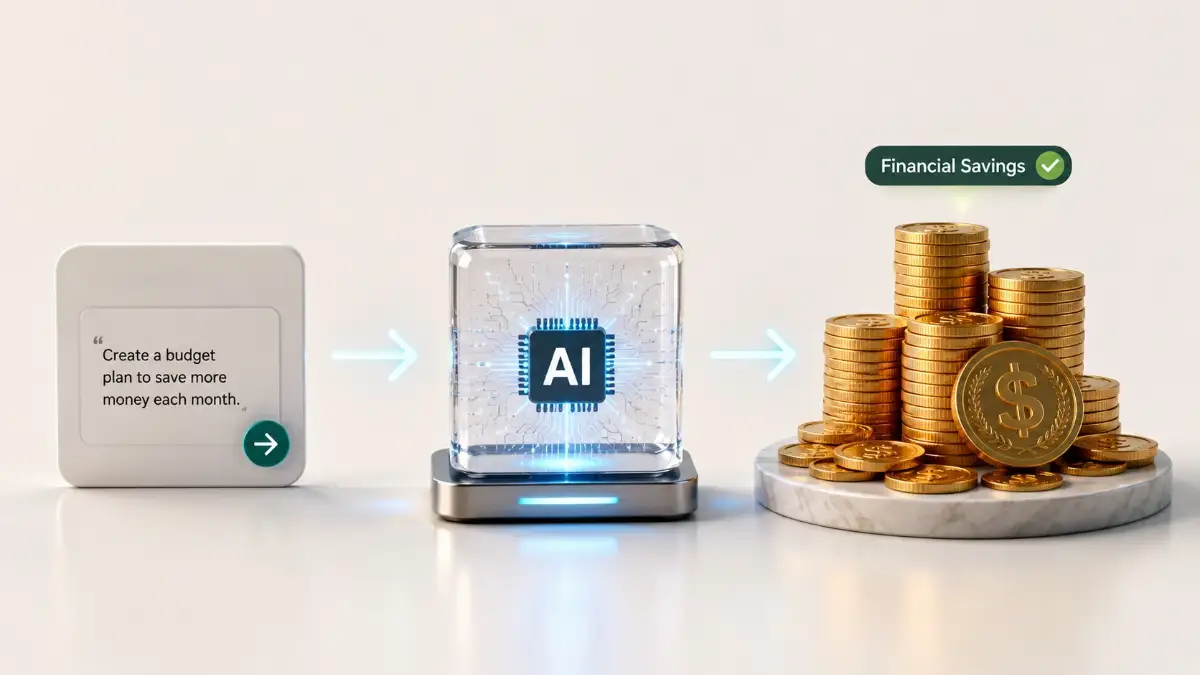
Dangerous Pitfalls That Will Drain Your Bank Account
Even with the best tools, it is very easy to make silly mistakes that ruin your progress. When you are trying to save money, a single bad habit can quickly destroy all your hard work. Avoiding these common traps is highly necessary for your long-term success.
If you ignore these warnings, you might end up facing serious financial penalties or completely burning out. Let us look at the five biggest mistakes you must absolutely avoid on your creative journey.
- Ignoring Commercial Usage Rights:
- Many beginners happily generate images on platforms that strictly forbid commercial use on their free tiers. If you use these images on a monetized blog with ads, you are breaking the law. Copyright owners can easily find your website and issue massive legal fines. Always read the terms of service and only use tools that grant full commercial rights to free users.
- Writing Overcomplicated Paragraphs:
- You might think writing a massive, five-paragraph story in the text box will give you better art. In reality, the machine gets highly confused by too many words. It will start ignoring your main subject and focus on random background details. Stick to the simple, four-step formula we discussed earlier to avoid wasting your daily credits.
- Chasing Absolute Perfection:
- As a business owner, your goal is to publish content and make money, not to win an art museum award. Spending four hours trying to fix a tiny shadow on a generated image is a terrible waste of your time. If the image looks professional and clearly communicates your message, download it and move on. Time wasted on tiny details is money lost in your business.
- Relying on a Single Platform:
- The internet changes rapidly, and a completely free tool today might become highly expensive tomorrow. If you only know how to use one specific website, you will be trapped if they suddenly introduce a paywall. Always practice generating art on at least three different platforms. This smart diversification protects your business from sudden subscription costs.
- Failing to Proofread AI Text:
- Artificial intelligence is notoriously bad at spelling words inside generated images. You might ask for a picture of a sign saying "Save Money," but the machine writes "Svae Munny." If you upload this image without checking, your brand will look incredibly foolish and untrustworthy. Always inspect your images closely and use negative prompts to remove broken text.
Take Control of Your Financial Future Today
You now hold the exact blueprint to bypass expensive graphic designers and costly stock photo websites. The days of feeling frustrated by an empty wallet and a blank computer screen are officially over. You have discovered a highly effective, completely free way to bring your brightest ideas to life.
By applying structured text formulas, you take the guesswork out of the creative process. You stop wasting your precious time and start producing agency-level graphics from the comfort of your own home. Every single image you generate for free is real money saved directly in your personal bank account.
Do not let these strategies just sit in your memory. Reading about saving money is great, but taking actual action is what changes your life. Your next successful blog post or digital product is waiting for that perfect, eye-catching visual.
Open up a free AI generator right now and test out your very first structured text prompt. Embrace the small mistakes, use negative prompts to fix them, and watch your confidence grow instantly. You are entirely capable of creating stunning conceptual art, and your profitable online journey begins today.
Looking back, deciding to learn how to generate my own images was one of the best choices I ever made for my business. I went from feeling completely broke and stressed to feeling excited every time I need a new picture. You have the tools and the guide right here, so go ahead and try making your first image right now!
Disclaimer: The information shared in this article is for educational purposes only. AI platforms, their free plans, and their terms of service change frequently. Always read the specific licensing and commercial usage rules on the AI website you choose before using any generated art for your business.