That Heart-Stopping Moment When the Screen Flashes "No GPS"
Picture this scenario for a moment. You are having a perfect flying day, capturing amazing aerial shots, and enjoying the breeze.
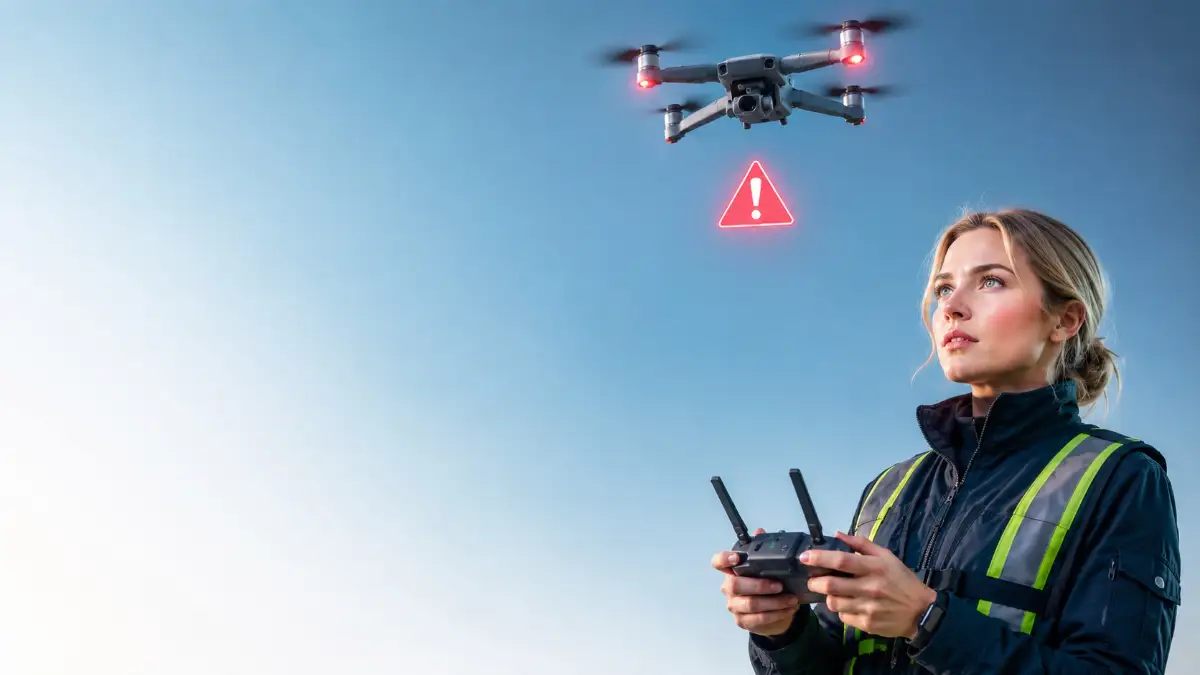
Suddenly, your controller beeps loudly. A bright red warning flashes across your screen telling you that satellite connection is gone.
Your expensive device is now drifting away with the wind, completely ignoring your commands. Your heart skips a beat, and panic instantly sets in.
This exact moment is a nightmare for both beginners and experienced pilots alike. It happens fast, and the fear of losing your investment can easily cloud your judgment.
Most people freeze up, hoping the signal will magically return on its own. Unfortunately, hoping for the best is the fastest way to crash your drone into a tree or lose it forever in a river.
Why Do We Fail to Find the Right Answers?
When the panic settles in, many pilots look for quick fixes online. But the internet is filled with confusing and outright dangerous advice. Here is why the wrong information makes you suffer more:
- Relying on the wrong buttons: Many forums tell you to just hit the return-to-home button. Without satellites, this action actually causes the drone to fly away randomly.
- Outdated information: Tech changes fast, but many guides still talk about older drone models. What worked five years ago will easily crash a modern quadcopter today.
- Skipping the basics: Most guides assume you already know how to fly completely manually. They skip the fundamental steps of balancing the aircraft.
- Overcomplicating the fix: Instead of giving you a clear action plan, some sources give you highly technical jargon. You do not need a degree in engineering to save your device.
The Invisible Cost of a Flyaway Incident
Losing connection mid-air does not just risk your expensive hardware. It deeply affects your mental peace and confidence as a creator.
- Fear of flying: After a near-miss or a crash, many pilots are too scared to take their drones out of the box again.
- Missed opportunities: You might stop flying in incredibly beautiful places just because you are afraid of losing signal.
- Creative block: Instead of focusing on getting the perfect shot, your mind is completely obsessed with monitoring satellite bars.
- Financial anxiety: Knowing that a single gust of wind can cost you thousands of dollars takes the joy out of the hobby completely.
When you learn exactly how to handle this situation, you take back your power. You can fly with total peace of mind, knowing you are prepared for anything the sky throws at you.
I still remember the first time my screen flashed red and said "No GPS" while flying over a windy lake. My palms instantly started sweating, and I panicked so hard that I almost slammed the wrong controls. It took me losing a expensive drone that day to realize that hoping for the signal to come back is a terrible flight strategy.
Your Immediate Rescue Playbook (The First 30 Seconds)
When you see that dreaded disconnect warning, the clock starts ticking. You cannot control the satellites, but you can entirely control your reaction.
You need to act like a trained professional. This means putting your emotions aside and following a proven, scientific method to bring your device home.
The key to saving your equipment is understanding how flight systems work. When satellites drop, your drone relies entirely on its internal sensors to stay level.
Let us break down the exact steps you need to take the second you lose your connection.
Step 1: Embrace the Drift and Master ATTI Mode
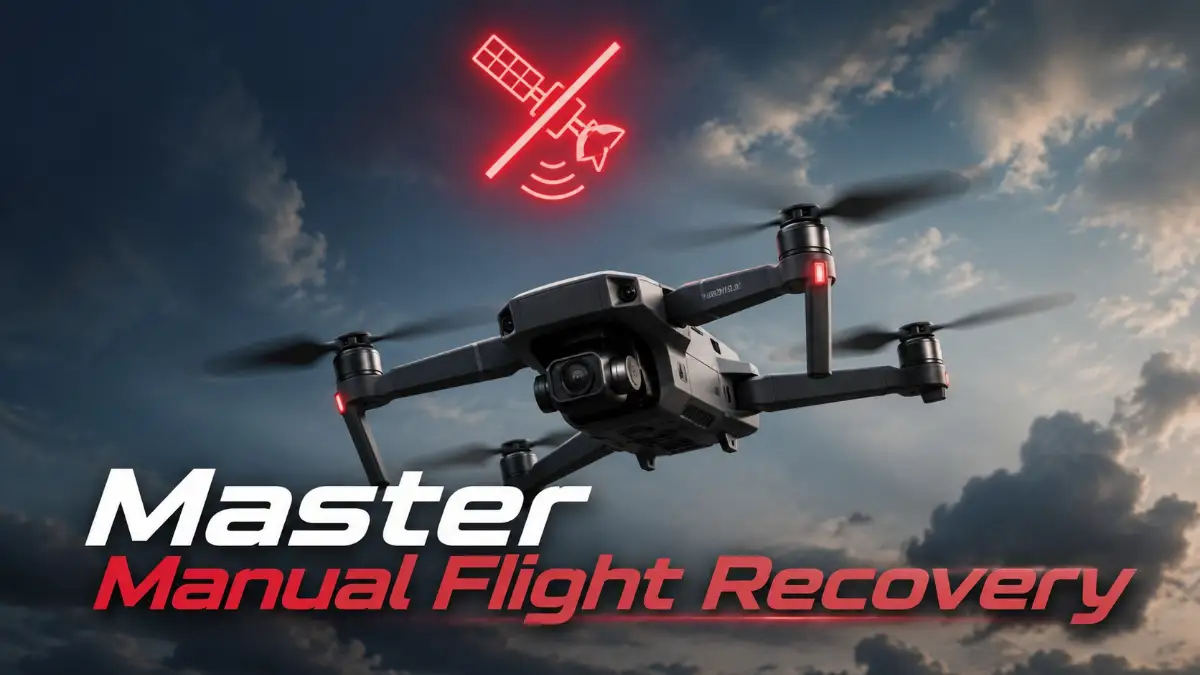
The very first thing that happens when you lose GPS is that your drone enters Attitude Mode, commonly known as ATTI mode.
Normally, satellites hold your drone perfectly still in the air. If the wind pushes it, the GPS tells the motors to push back.
Without this invisible anchor, your drone is basically on an icy road. It will drift in whatever direction the wind is blowing.
Do not fight the drift immediately. If you panic and yank the control sticks, the drone will tilt aggressively and pick up dangerous speed. Instead, take a deep breath and let the drone glide for a brief moment. Watch your screen or the drone itself to see which way the wind is carrying it.
Once you understand the direction of the drift, you can gently push the opposite stick to counter the movement. Think of it like steering a boat on a moving river. You need smooth, gentle corrections to stay in one place.
Want to see how ATTI mode actually works in real time? Watch this short visual guide below to master gentle stick controls, then keep reading to learn how to lower your drone safely without crashing!
Practicing this gentle balancing act is essential. In fact, just like calibrating your photography drone properly before a flight, practicing manual flying is a basic responsibility for every pilot.
Here is a quick pro tip from my own painful mistake: spend twenty minutes every month practicing in an open grassy field with GPS turned off on purpose. Doing this built my muscle memory so well that when a real signal drop happened later, my hands reacted automatically before my brain even had time to panic.
Step 2: Establish a Strong Visual Line of Sight
Many pilots fly by looking only at their smartphone or controller screen. This is a very dangerous habit when things go wrong.
When you lose satellite data, your map becomes completely useless. Your screen will not show you where the drone is pointing or how fast it is moving away from you.
The absolute most important thing you can do is look up from your screen. You need to find your aircraft in the sky immediately. Scan the horizon where you last pointed the camera. Listen closely for the buzzing sound of the propellers to locate it.
According to guidelines from the Federal Aviation Administration (FAA), maintaining a visual line of sight is a fundamental safety rule.
If your drone is too far away to see clearly, look at the live camera feed on your screen. Use recognizable landmarks to figure out your orientation. Do you see a tall building, a specific tree, or a road? Turn the drone slowly until the camera faces a landmark you recognize near your physical location.
Once the camera is pointing toward you, pushing the right stick forward will bring the drone closer to home.
Step 3: Assess Your Altitude and Step Down Safely
Wind speed increases significantly the higher up you go. What feels like a gentle breeze on the ground can be a strong gale at 300 feet in the air.
If your drone loses GPS while high up, it will be pushed away much faster than if it were flying low. Your main goal here is to reduce your altitude safely. Do not drop the drone like a stone, as this can cause the motors to stall.
Slowly pull down on the left stick to begin a smooth descent. Bring the drone down to about 50 or 60 feet above the ground. At this lower height, the wind is usually much calmer because trees and buildings block the strongest gusts.
Lowering your altitude also makes the drone much easier to see with your own eyes.
However, you must be extremely careful of your surroundings. Before descending, make absolutely sure you are not directly above a lake, a busy highway, or a dense forest. If you are over water, fly the drone horizontally toward the shore before you start bringing it down.
By managing your altitude smartly, you eliminate the biggest threat to a disconnected drone, which is getting blown completely out of range.

Pro-Level Tactics for Tricky Flight Situations
You have survived the initial panic. The drone is no longer drifting out of control, and you have visual contact.
Now comes the part where you safely bring it back to the ground. This requires patience and a cool head. Advanced pilots do not just wing it. They use specific strategies to navigate without any digital assistance.
Let us look at the exact techniques professionals use to recover their gear in sticky situations.
Step 4: The "Brake and Hover" Technique
When flying manually, momentum is your biggest enemy. Without satellites to hit the brakes for you, the drone will keep sliding through the air even after you let go of the sticks. To stop the drone from moving forward, you must actively fly it backward for a split second.
If you are flying fast to the right, you need to gently tap the stick to the left to cancel out the momentum. Once the drone comes to a complete stop, you enter a manual hover. You will constantly make tiny micro-adjustments with your thumbs to keep it in place.
Do not hold the sticks down continuously. Instead, use quick, soft taps to nudge the aircraft back into position whenever it tries to drift. This requires a soft touch. Many beginners hold the controller too tightly, which leads to heavy, jerky movements.
Relax your hands. Breathe normally. You are simply guiding the machine, not wrestling with it.
Step 5: Read the Environment Like a Pilot
Since you cannot rely on a digital map, you need to use the physical environment to guide you home.
Look at the trees below the drone. Are the leaves blowing violently in one direction? That tells you exactly what the wind is doing at that specific location.
Notice where the sun is shining from. If the sun was behind you when you took off, fly the drone toward the sun to get back to your starting point. If your video feed is still working, tilt your camera straight down. This gives you a clear bird’s-eye view of exactly what is beneath the drone.
Flying over a recognizable path or a distinct field makes it much easier to guide the drone back step by step. It is exactly like following breadcrumbs. Move from one safe spot to the next safe spot until you are directly overhead. If you successfully bring your drone back, you will likely have some amazing, dramatic footage to review later.
When you get home to process that footage, make sure you avoid bad video editing habits that ruin perfectly good shots. You worked hard to save that footage, so present it beautifully.
The Most Dangerous Mistakes You Must Avoid
Even when they know the right steps, many pilots let fear take over and make terrible mistakes.
One wrong move can turn a simple recovery mission into a total disaster. You must protect yourself from these common traps.
Here are the biggest pitfalls that lead to lost drones.
1. Mashing the Return to Home (RTH) Button
This is the number one reason people lose their drones forever.
The Return to Home feature relies 100% on satellite coordinates. When the signal drops, the drone has absolutely no idea where "home" is.
If you press that button without a signal, the drone might attempt to fly to the last known coordinate, which could be miles away.
Even worse, some models will just start climbing higher into the sky, catching stronger winds and flying away forever. Never touch the RTH button unless you see strong, stable green bars on your satellite indicator.
2. Staring Only at the Screen
When the warning message pops up, it is very tempting to keep staring at the controller screen hoping the signal comes back.
While you are looking down, the drone is moving fast. Ten seconds of staring at the screen can mean the drone has drifted hundreds of feet away. Your screen will not save the drone. Your eyes and your hands will.
Always look up immediately. Check the screen only for quick glances to check battery life or camera orientation. If you are using a heavy, powerful computer in the field to review flights later, looking down constantly is also bad for your posture.
Speaking of computers, running heavy flight logs outside can stress your hardware. If you edit in the field, it helps to know how to fix laptop overheating issues before your gear shuts down on you.
3. Fighting the Wind Aggressively
If you notice the wind pushing your drone to the left, your first instinct is to push the stick hard to the right. This aggressive maneuver causes the drone to tilt sharply. When it tilts too far, the propellers lose their grip on the air.
Instead of flying smoothly, the drone will drop altitude rapidly and become incredibly unstable. Always counter the wind with smooth, gradual stick movements. Let the drone fight the breeze slowly rather than violently.
4. Ignoring Your Battery Level
Flying in manual mode uses significantly more battery power than hovering perfectly still with satellites.
Your drone is constantly fighting the wind, which drains the motors very quickly. If your battery was at 30% when the signal dropped, you have almost no time to waste.
Do not try to get perfectly lined up for a beautiful landing. If the battery is critically low, find the absolute nearest safe patch of grass and land it there immediately.
It is much better to walk halfway across a park to pick up your drone than to have it fall out of the sky onto concrete.
5. Failing to Check the Flight Environment Beforehand
Many of these scary moments can be prevented before the propellers even start spinning. Taking off in areas with massive radio interference, like near large metal bridges or radio towers, is a guaranteed way to lose your signal.
Always check your surroundings. Top drone experts often consult popular tech publications for reviews on how well certain models handle interference. If your remote controller warns you about a weak compass or poor satellite lock on the ground, do not take off.
A weak signal on the ground means a zero signal in the air. Trust the warnings and move to an open, clear location before flying.
Your Next Safe and Fearless Flight Awaits
Losing your connection up in the clouds is definitely a scary experience. But as you have learned today, it is completely manageable.
You do not need to be a professional racer to save your device. You just need to stay calm, switch your mindset, and take control of the sticks.
By practicing your manual flying skills in a safe, open field, you will build incredible muscle memory.
When you know how the wind affects your machine, you become a deeply confident and capable pilot.
The next time that warning flashes on your screen, you will not panic. You will simply smile, take a deep breath, and fly your drone home safely like a true expert.
Grab your controller, head out to a clear park, and practice your hovering today. The sky is yours to explore safely.
Trust me, taking control of your gear manually is one of the most rewarding feelings you will ever have as a pilot. Don't let fear keep your drone sitting in a dark closet—get out there today, practice these simple steps, and take back your confidence in the sky!
Disclaimer: This guide is provided for educational and informational purposes only. Flight conditions, local wind speeds, and hardware performance can vary widely. Always adhere to your local aviation authority regulations (such as the FAA), consult your drone's user manual, and operate your aircraft safely within your own skill level.