
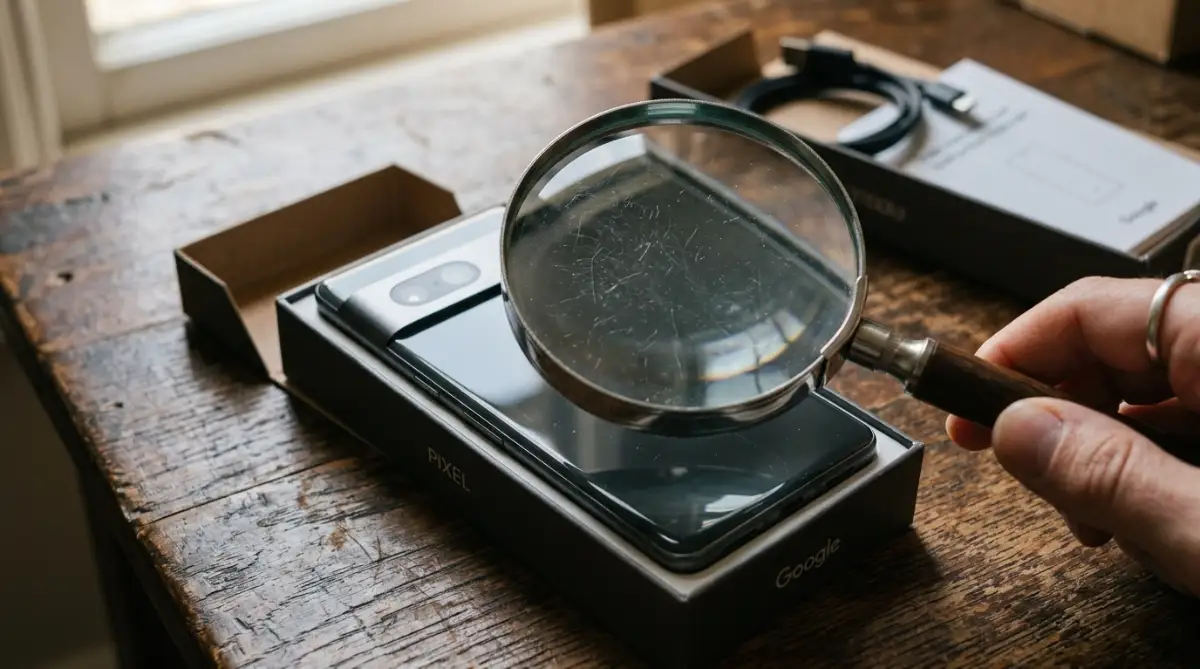
The Billion-Dollar Illusion Behind "Like New" Tech
You see the price tag first.
A flagship smartphone or a high-end laptop, staring right at you with a massive 40% discount. The bold green text screams "Amazon Renewed."
Your brain immediately justifies the purchase.
It's just an open box, right? Someone probably bought it, changed their mind, and returned it the next day. You get a perfect device for a fraction of the cost.
That's the exact psychological trap millions of shoppers fall into every single day.
Here's the uncomfortable truth. That device wasn't just sitting in a warehouse waiting for a loving home.
It has a history.
Maybe it survived a drop in a parking lot. Maybe a previous owner swapped out the original Apple battery for a cheap knockoff before trading it in.
You simply don't know.
When you hit that "Buy Now" button, you aren't just buying electronics. You're buying a lottery ticket. Sometimes you win a pristine gadget. Other times, you get a device held together by cheap glue and false promises.
It's time we talk about what actually happens behind the scenes of these massive refurbishment programs. Your wallet deserves the truth.
The Amazon Renewed Quick Summary
Don't have time to read the whole breakdown right now? Here's exactly what you're getting into:
- It's a Third-Party Game: Amazon rarely fixes these items. You're mostly buying from random third-party sellers using Amazon's storefront.
- The 80% Battery Trap: Amazon guarantees the battery will hold at least 80% capacity. That sounds okay, but an 80% battery on a modern phone means you'll be hunting for a charger by 2 PM.
- Water Resistance is Gone: Once a phone is opened for repairs, the factory water seal is broken. Never drop a renewed phone in the pool.
- The 90-Day Lifeline: You get 90 days to return it. If the motherboard fries on day 92, you're entirely out of luck.
- Accessories are Generic: Don't expect original chargers or cables. You'll likely receive slow, third-party accessories stuffed in a brown cardboard box.
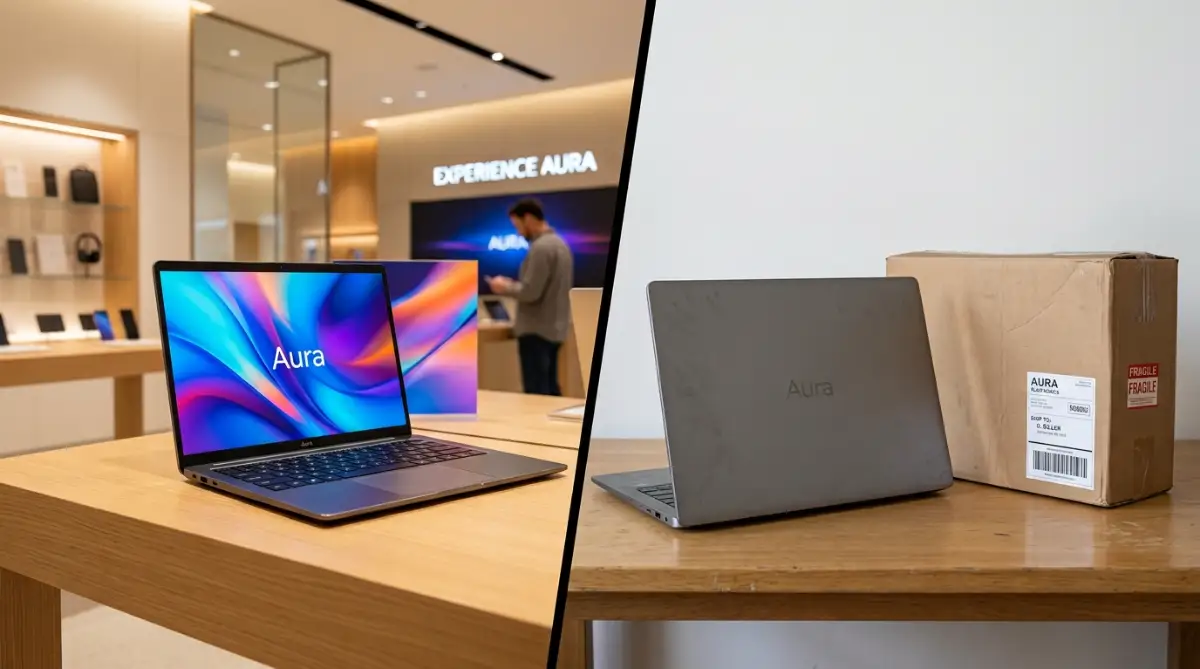
Who Actually Fixes These Gadgets? (Spoiler: It's Rarely Amazon)
Let's clear up the biggest misconception right out of the gate.
When you buy a product branded as "Amazon Renewed," you probably picture a sterile, high-tech Amazon facility.
You imagine technicians in white lab coats carefully inspecting motherboards and replacing screens with official parts.
That's a nice thought. It's also completely wrong.
Most of the time, Amazon acts simply as the middleman. They provide the platform, handle the payment, and maybe manage the shipping.
The actual physical device? It's being sourced, tested, and boxed up by third-party sellers.
These sellers range from massive electronics liquidators to small-town repair shops operating out of a strip mall.
Some are fantastic. They run rigorous diagnostic tests and truly care about quality control.
Others? Not so much.
Some sellers just wipe the device down with a microfiber cloth, run a basic factory reset, and slap a "Renewed" sticker on the box. They play a numbers game. They know a certain percentage of buyers won't bother returning a slightly defective item.
You have to check the "Sold By" name under the Buy button. That little string of text dictates the entire quality of your purchase.
If the seller has terrible ratings, that "Like New" iPhone might arrive with a screen that stops registering touch after a week.
The Manufacturer vs. Marketplace Divide
Understanding where your refurbished tech comes from is the only way to protect your money.
There's a massive gap between buying refurbished directly from the manufacturer and buying from a generalized marketplace.
Let's break down exactly how these two methods stack up against each other.
Notice the trade-off?
You save significantly more money on Amazon, but you take on substantially more physical risk. You're trading genuine parts and long warranties for steep discounts.
It's a gamble. Make sure you're comfortable with the odds before you play.
Pro Tip for Smart Buyers: As soon as you receive a renewed smartphone or laptop, spend the first 48 hours actively trying to find a flaw. Run intensive battery diagnostic apps, test every single camera lens, blast music through the speakers at max volume, and fill up the storage. If it's going to fail, force it to fail while you're still well inside that 90-day return window.
Decoding the Tricky Condition Tiers
Amazon doesn't just lump all used items into one bucket. That would be too simple.
Instead, they use a tiered grading system.
If you aren't paying close attention, these marketing terms will easily trick you into expecting a perfect device when you actually paid for a heavily used one.
They sort products into four main conditions: Premium, Excellent, Good, and Acceptable.
Let's strip away the corporate marketing speak and look at what these words really translate to in your hands.
Premium Condition
This is the top tier. Amazon claims these items show zero signs of cosmetic damage from 12 inches away.
They also throw in a one-year warranty instead of the standard 90 days.
This sounds great, but the price tag is usually so high that you're barely saving money compared to buying a brand-new device on sale. It defeats the entire purpose of hunting for a bargain.
Excellent Condition
This is where most buyers land. The screen shouldn't have any visible scratches.
However, the body might have faint scuffs. The real catch here is the battery. Even at "Excellent," you're only guaranteed that 80% minimum battery capacity.
Good Condition
Now we're entering risky territory. Amazon openly admits these devices will have visible scratches on the body and potentially light scratches on the screen.
When they say "light scratches," it's highly subjective. What a seller considers a light scratch, you might consider a deep gouge that ruins your viewing experience.
Acceptable Condition
Avoid this tier entirely unless you're buying a cheap backup phone for emergencies.
These items show significant wear and tear. You'll feel the dents. You'll see the scratches every time the screen lights up. It's essentially a heavily used item pretending to be refurbished.
The Hidden Costs You Don't See
Here's a scenario that happens constantly.
You buy a renewed laptop for work. It arrives in "Excellent" condition. It boots up fine, the keyboard works, and the screen looks bright.
Two months later, the trackpad starts ghosting.
You contact the seller. Because you're still within the 90 days, they agree to accept the return. But wait.
You have to pay for the return shipping. You also need to find a box and packing materials because you already threw the generic brown box away.
Then, the seller receives it and claims the damage wasn't a defect, but rather user error. Suddenly, they hit you with a 20% restocking fee.
That "amazing deal" just cost you hours of frustration and a chunk of your refund.
You thought you were saving money, but you ended up buying a headache.
Check out this deep dive into the hidden reality of refurbished electronics and how to protect yourself:
The 48-Hour Survival Guide & Platform Diagnostics
Buying a renewed device requires instant, aggressive action. You can't let it sit on your desk for a week.
You must test it ruthlessly the moment it arrives.
Why? Because the return clock starts ticking the second that package hits your porch. If you wait around, you lose your leverage.
Here is exactly how to run a deep diagnostic check based on your specific operating system.
Mac vs. Windows Deep Inspection
Apple devices hide their exact wear and tear remarkably well. You'll need to dig directly into the system hardware settings immediately.
Hold down the Option key, click the Apple logo in the top corner, and select System Information. Go straight to the Power section and check the cycle count.
If an Amazon seller claims "Excellent" condition but you see a battery cycle count over five hundred, you're being scammed. Pack it back up.
Windows laptops require a slightly different approach. You'll want to run a hidden battery report.
Open your command prompt and type powercfg /batteryreport to generate a highly detailed HTML file.
This specific file tells you the exact factory capacity versus the current full charge capacity. It's hard proof you can use to force a return if the battery is practically dead.
Make sense? You need data, not just a feeling that the battery drains fast.
Sometimes, a renewed PC behaves strangely right out of the box. If your laptop won't turn on despite being plugged in, the third-party power brick is usually the culprit, not the computer itself.
iOS vs. Android Hardware Stress Tests
Testing smartphones requires checking the internal sensors, not just staring at the screen.
On an iPhone, go straight to Settings, then Battery, then Battery Health. Anything below eighty percent means it goes straight back in the brown cardboard box.
You also need to pull out the SIM card tray and shine a flashlight inside. Look for a tiny red sticker. If you see red, the phone has severe water damage and the seller lied to you.
Android devices are slightly trickier.
Dialing specific diagnostic codes in your phone app often reveals hidden hardware testing menus. You should aggressively test the multi-touch display. A cheap aftermarket replacement screen will often fail to register multiple fingers at once.
If you notice weird visual artifacts on a renewed Samsung device, you might actually be dealing with permanent OLED screen ghost images from the previous owner.

The Defective Device Damage Control Template
Sometimes you get an absolute dud. It happens constantly in this market.
When it does, don't write an angry, emotional email to the Amazon seller. They actively ignore those.
You need to sound methodical, polite, and firmly aware of platform policies. Using specific terminology forces their customer service reps to take your claim seriously.
Copy and paste this exact message to initiate a hassle-free return:
Subject: Defective Item Return Request - Order [Your Order Number]
Message:
Hello [Seller Name],
I recently received the [Item Name] from my recent order. While the shipping was prompt, the device completely fails to meet the Amazon Renewed condition guarantees.
Specifically, the battery health sits at [Insert Number] percent, which directly violates the eighty percent minimum standard. The device also shows significant cosmetic damage well beyond the listed condition tier.
I've carefully repackaged the item with all included accessories. Please authorize a prepaid return label immediately so I can send this back for a full refund without incurring any restocking fees.
Thank you for your prompt assistance.
The Brutal Do's and Don'ts of Refurbished Tech
Entering the secondary electronics market means setting strict, non-negotiable rules for yourself.
You can't afford to be naive when third-party sellers are trying to maximize their profit margins.
The Smart Buyer's Checklist:
- DO carefully read the specific seller reviews before clicking buy.
- DON'T trust the overarching product rating, as Amazon lazily lumps all seller reviews together on the main page.
- DO record yourself unboxing the device with your smartphone.
- DON'T throw away the generic accessories. You'll need them for a full refund if things go wrong.
- DO check the FTC guidelines on consumer warranties to understand your legal rights regarding implied guarantees.
- DON'T expect original water resistance. Once a phone is pried open for repairs, its factory seal is broken forever. Keep it away from the pool.
Costly Pitfalls & Critical Traps to Avoid
The biggest financial trap isn't the device itself. It's the extremely cheap accessories bundled inside the box.
Third-party sellers rarely include original, branded chargers. They throw in the absolute cheapest power bricks they can legally import in bulk.
These generic chargers lack basic safety and voltage certifications. They can easily fry your device's delicate motherboard overnight.
If your phone stopped charging completely just a week after buying it, a cheap aftermarket cable probably shorted the internal charging port.
Always use original, brand-certified cables. Throw the generic ones in the trash immediately. It's simply not worth risking a fire hazard to save twenty bucks.
Another massive trap is the "Frankenstein Phone" scenario.
Some sketchy repair shops mix and match parts from entirely different broken phones. You might receiv