The Struggle and Market Reality of Battery Health
I know exactly how frustrating it is when your phone drops to 10% right when you need it most. We all spend a fortune on these gadgets, only to end up babysitting their batteries all day. Let me show you why the charging habits you grew up with are actually hurting your phone right now—and how you can easily fix them today.
Many of us actively try to protect our devices by following advice we learned years ago. We plug our phones in overnight, we let them drain entirely before recharging, and we obsessively close background applications.
You might be surprised to learn that these well-intentioned habits are actively damaging your modern devices.
Why do our batteries seem to fail so quickly? The short answer is chemical aging. Lithium-ion batteries naturally degrade over time through standard use and environmental factors.
Most of the charging advice passed around on the internet stems from the era of old nickel-cadmium batteries. Applying those outdated practices to modern lithium-ion battery care creates unnecessary chemical stress inside your device.
By understanding exactly how your battery works, you can easily add months or even years to its peak lifespan.
Before we dive into the details, here’s what you need to know:
- Stop charging your phone to 100% every single time; aim for 80%.
- Unplug your device before you go to sleep to avoid trapping unnecessary heat.
- Stop force-closing your apps manually—your phone manages memory perfectly on its own.
- Never let your phone die completely to 0%; make sure to plug it in when it hits 20%.
Debunking The Top Battery Myths (Part 1)
We need to replace old assumptions with modern science to truly extend battery life. Let us look at the specific habits that put extreme stress on your phone.
Myth 1: You Must Charge to 100% Every Time
This is perhaps the most common misconception in the consumer electronics space. Many people feel a strong need to see that battery icon hit a full one hundred percent before leaving the house.
Modern lithium-ion batteries absolutely hate extremes. They perform best when they hover in the middle of their capacity range.
When you push a battery from 80% up to 100%, you are forcing high voltage into a nearly full cell. This creates significant internal resistance and heat. Think of it like packing a suitcase that is already full. Getting those last few items inside requires a lot of physical pressure and stresses the zippers.
Continually holding your phone at maximum capacity forces the battery materials to remain in a highly reactive state. This sustained voltage stress physically breaks down the internal chemical structure at a much faster rate. Keeping your charge levels between 20% and 80% greatly reduces this wear.
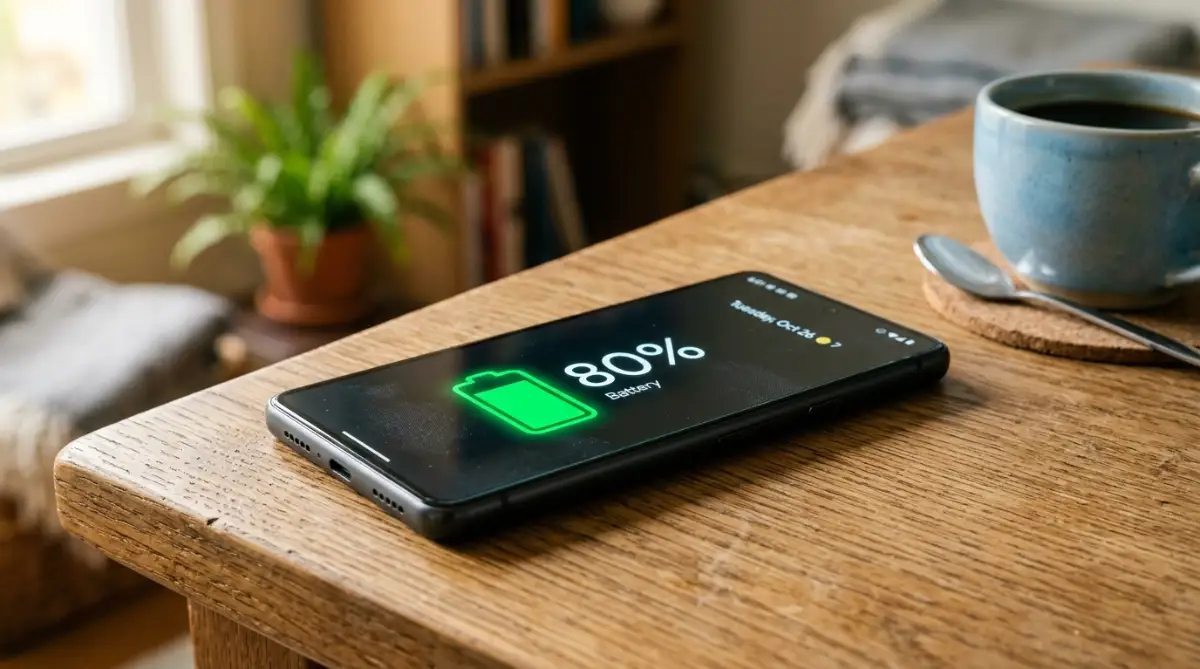
By simply adopting a partial charging habit, you can literally triple the number of charge cycles your battery can survive before needing a replacement.
Here is a quick breakdown of what this actually means for your wallet over a three-year period.
Myth 2: Overnight Charging Overloads The Battery
People often worry that leaving a phone plugged in while sleeping will pump too much electricity into the device and cause an explosion. This specific fear is based on very old technology.
Today, every modern smartphone contains a specialized power management integrated circuit. This smart chip automatically cuts off the electrical current the exact moment your phone reaches a full charge. Your phone simply cannot take in more power than it needs.
The real danger of overnight charging is much more subtle. When your device sits at 100%, it will naturally drop to 99% as it runs background tasks. The charger then kicks back on to push it back to full capacity.
This process is known as trickle charging. It keeps your device constantly bouncing between 99% and 100% for hours while you sleep. This keeps the battery in a state of high tension and generates low-level continuous heat.
Pro Tip: Heat is the absolute worst enemy of battery chemistry. Charging a lithium-ion cell in environments exceeding 35 degrees Celsius accelerates internal capacity loss by up to 30% over just a few months. If you charge your phone on a soft bed or under a pillow, the trapped thermal energy will degrade your battery significantly faster than the actual electrical current.
To protect your phone battery health, it is always better to charge your device on a hard, flat surface where heat can easily dissipate into the air.
Myth 3: Letting Your Phone Die Completely is Good
Older battery types suffered from something called the memory effect. If you did not let them drain completely, they would temporarily "forget" their true capacity and hold less of a charge.
This is completely false for the batteries inside today's smartphones. In fact, intentionally draining your modern phone to zero percent causes severe mechanical degradation.
When a lithium battery reaches absolute zero, the internal chemical balance becomes highly unstable. The materials inside the battery can begin to dissolve or crystallize. If you leave a phone at zero percent for a long period, copper structures inside the cell can break down and cause tiny short circuits when you finally plug it back in.
We highly recommend plugging your phone in as soon as it drops to 20%. Treating your battery like a fuel tank that should never run completely dry is a smart way to maintain long-term stability.
Want to see exactly what happens inside a battery when it hits zero percent? Watch this breakdown below.
Taking control of your charging habits does not require any special technical skills or expensive equipment. It simply requires you to stop treating a modern chemical power source like an old alkaline battery. We will cover the remaining charging misconceptions and screen habits that drain your power in the next section.
Advanced Hardware Care and Power Management Strategies
Many users panic when they read about battery chemical aging. They start applying extreme, outdated rules to their brand-new devices. The truth is much simpler. Protecting your device requires smart hardware management, not obsessive babysitting.
Let us look at a major concern that stops people from using the tools right inside their boxes.
Myth 4: Fast Charging Will Immediately Destroy Your Battery
We see incredible advertisements for chargers that can push 65 watts, 100 watts, or even more power into a handheld device. A common fear is that shoving this much electricity into a small space will fry the internal components.
The reality of modern engineering is highly sophisticated. Your phone does not blindly accept maximum power the entire time it is plugged in.
Device manufacturers use a system called active thermal throttling. When you connect a high-wattage charger, the system communicates with the power brick. The phone requests a massive burst of energy only when the battery is nearly empty. This is why you see speeds jump from zero to fifty percent in a matter of minutes.
As the battery fills up, the internal resistance naturally increases. The power management chip senses this and instantly slows down the electrical current. By the time your phone hits 70%, it is charging at the exact same slow, safe speed as an older, standard charger.
If you want to read deeper into the technical physics of this, the researchers over at Battery University explain charging algorithms in great detail. The system is designed to protect itself.
The only time fast charging becomes harmful is when you combine it with heavy usage. Playing graphic-intensive games or running GPS navigation while fast charging generates heat from both the processor and the battery simultaneously. That combined thermal load will age the cell rapidly.
So, how hot is too hot? I always tell my friends to feel the back of their phone—if it feels like a warm cup of coffee, you need to unplug it right away. Here is a simple temperature guide to keep your mind at ease.
If you are experiencing sudden power failures despite good charging habits, you might be dealing with a hardware port issue. You can read our detailed guide on why your phone stopped charging to safely clean and troubleshoot your physical connections.
Daily Charging Do's and Don'ts
Do: Use the high-wattage fast charger when you need a quick boost before leaving the house.
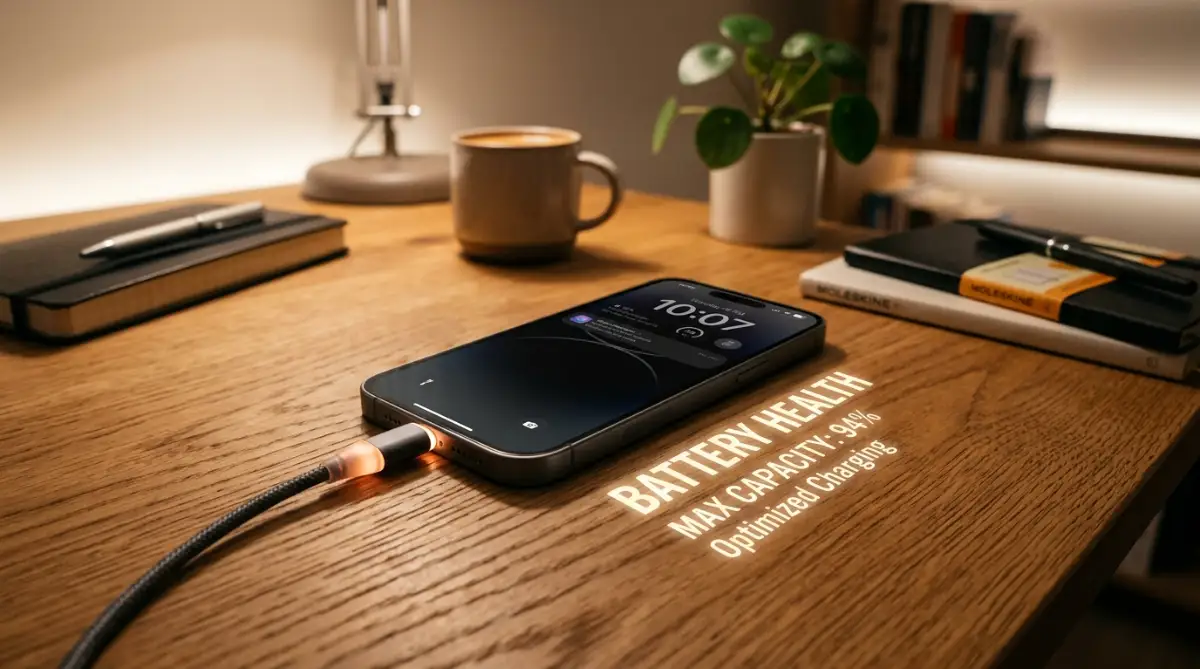
Do: Turn on your phone's built-in "Optimized Charging" setting to let the software manage the final 20% of your overnight charge.
Don't: Leave your phone sitting in direct sunlight or on a hot car dashboard while it is plugged in.
Don't: Buy extremely cheap, unbranded gas station charging cables that lack proper safety resistors

The Psychological Pitfalls of Over-Managing Your Phone
Human psychology plays a massive role in how we damage our electronics. When we feel anxious about losing connection to the digital world, we try to manually force our devices to save power.
This often leads to the worst possible habit for any smart device.
Myth 5: Swiping Away Background Apps Saves Power
Walk into any coffee shop and you will see someone frantically swiping up on their screen to close every single open application. The logic seems sound. If fewer things are running, the phone should use less energy.
This is a massive psychological trap. Your phone operating system does not work like a 1990s desktop computer.
Both Android and iOS handle background memory with incredible efficiency. When you leave an app and go to your home screen, the operating system instantly freezes that application. It saves the exact state of the app in your device's RAM (Random Access Memory).
Keeping a frozen app suspended in RAM requires virtually zero electrical power.
However, when you manually force-close an application, you delete it from the RAM entirely. The next time you open that same app, your phone has to work incredibly hard. It must wake up the central processor, spin up the graphics chip, and pull all the heavy data directly from the flash storage.
This cold boot process requires a massive spike in voltage. It burns through significantly more battery than simply leaving the app alone. The engineering teams at major tech companies constantly warn against this habit. Experts published in journals like IEEE Spectrum regarding mobile energy consumption have proven that micromanaging your RAM actually harms long-term efficiency.
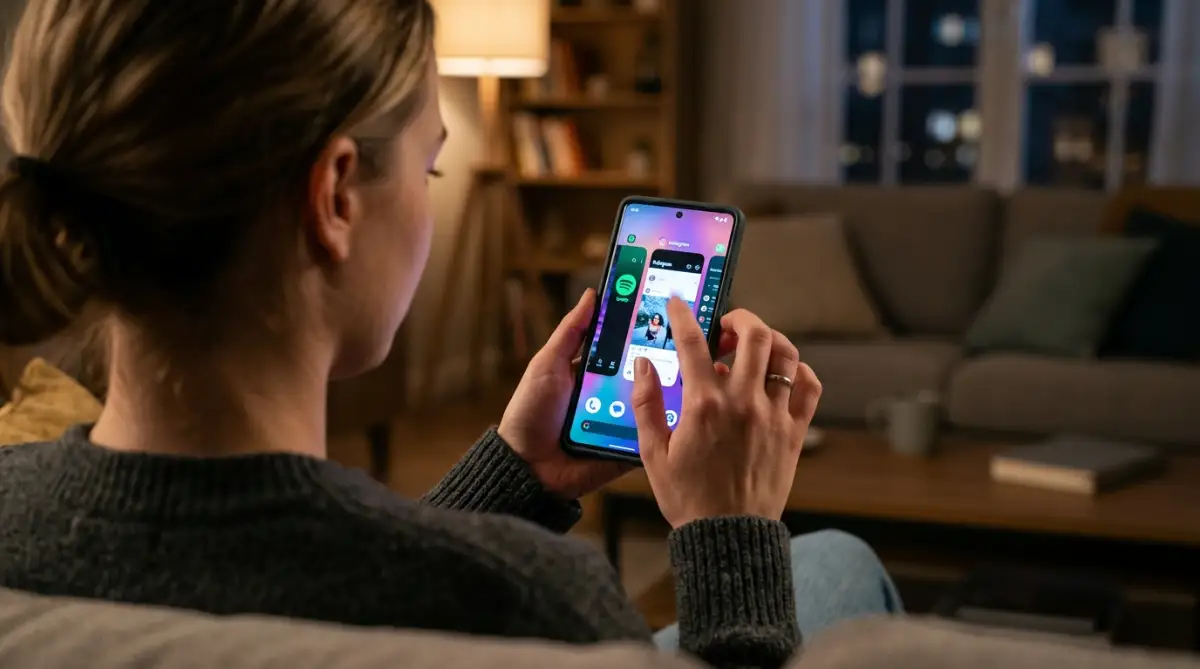
You are actively fighting against a highly advanced operating system designed to optimize power for you. Stop swiping away your apps unless one of them is completely frozen or glitching.
If you are still waking up to a drained device despite leaving your apps alone, the issue is likely happening deep in the software. You can easily fix this by reviewing the hidden settings draining your battery while the screen is off.
The Cost of Obsessive Checking
Another quiet battery killer is battery anxiety itself. When people worry about their power dropping, they constantly tap the screen to check the percentage.
Lighting up a modern OLED screen is one of the most power-hungry tasks a phone can perform. Waking the phone up fifty times a day just to look at the battery icon will drain the battery faster than simply letting it sit quietly in your pocket.
This same principle applies across all portable electronics. If you work on a larger screen, you might find our advice on how to stop ruining your laptop battery equally helpful, as the chemical rules of lithium-ion remain identical.
Your Immediate Next Step
Go into your phone settings right now and search for "Battery Optimization" or "Protect Battery" and toggle it on. Tonight, plug your device in as normal, but tomorrow, try unplugging it when it hits 80% and watch how easily it still gets you through a full day of work.
Frequently Asked Questions About Battery Health
Is it bad to use my phone while it is charging?
Using your phone for light tasks like texting or reading while charging is perfectly safe and will not damage the battery. However, playing heavy 3D games or rendering video while plugged in generates excessive heat, which is the main cause of long-term battery degradation.
Does using a wireless charger degrade the battery faster?
Wireless charging is inherently less efficient than wired charging and produces more ambient heat as energy passes through the glass back of the phone. While modern devices can handle this heat, relying strictly on wireless charging in warm, unventilated rooms will age the chemical cells slightly faster than standard wired charging.
Should I store my old phone with a fully charged battery?
Never store a lithium-ion device at 100% or 0% for long periods. If you are putting an old phone away in a drawer, charge it to exactly 50% and turn the power completely off to maintain the chemical stability of the internal cells.
Does keeping Bluetooth and Wi-Fi on drain my battery?
Modern Wi-Fi and Bluetooth antennas are incredibly power-efficient and use a fraction of the energy they did a decade ago. The real battery drain comes from weak cellular signals, as your phone has to pump maximum voltage into the cellular antenna trying to find a distant cell tower.
Disclaimer: The information provided in this article is for educational and troubleshooting purposes only. Always consult your specific device manufacturer's official guidelines before modifying power settings or purchasing third-party charging accessories.