
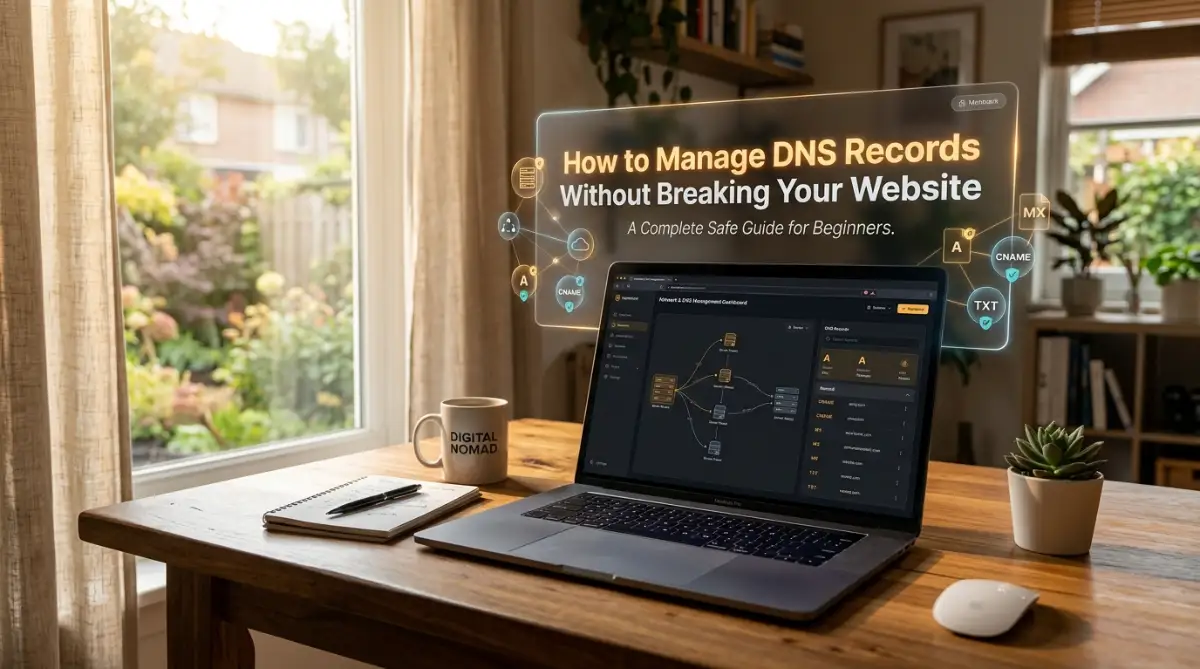
The Day My Website Disappeared From the Internet
I still remember the exact moment my stomach dropped and panic took over my entire body. I was trying to set up a professional email address for my new online business, and the instructions told me to just add a few simple lines to my domain settings. I thought it would be a quick five-minute task before I went to bed. I confidently copied the text, pasted it into my provider's dashboard, and hit the save button without a second thought.
Ten minutes later, I tried to visit my homepage just to admire my work, but my screen went completely blank. Instead of my beautifully designed homepage, I was staring at an ugly error message saying my site could not be reached. My heart started pounding because I had an active ad campaign running, and real visitors were clicking my links only to find a broken page.
I scrambled to undo what I had just done, but I could not remember the exact settings I had deleted to make room for the new ones. I spent the next four hours furiously searching forums, contacting support, and waiting in absolute agony for my site to come back online. That single mistake cost me money, subscribers, and a whole night of sleep.
This is a reality that almost every website owner faces at some point in their digital journey. You start a blog or a business, everything runs smoothly, and then one day you need to connect a third-party service. Maybe you are moving to a faster hosting provider, or maybe you just want to verify your domain for an email marketing tool.
Suddenly, you are forced to look at a complicated dashboard filled with strange letters and numbers. The fear of making a wrong move is incredibly intense because the consequences are immediate and severe. You know that one tiny typo can take your entire online presence off the internet in a matter of minutes.
This fear causes massive anxiety and steals away the peace of mind you should be enjoying as a creator. Many people become so terrified of these settings that they completely avoid making necessary upgrades to their sites. They stay stuck with slow hosting or unprofessional tools simply because they are too afraid to touch their domain configurations.
It is completely understandable why this happens, as the technical jargon used by hosting companies is rarely friendly to beginners. But you do not have to live in fear of your own website infrastructure. Once you understand the basic mechanics behind these connections, you will realize it is just like updating a contact in your smartphone.

Decoding the Hidden Language of Your Domain
Before you even think about changing any settings, you need to understand what is actually happening behind the scenes. Think of the internet as a massive, sprawling city with billions of houses and businesses. Your domain name, like yourwebsite dot com, is essentially your memorable street address in this giant city.
However, computers and servers do not actually understand street addresses the way human beings do. They rely entirely on a system of complex numbers to find each other, much like GPS coordinates. Your domain settings act as the ultimate translator between human-friendly names and computer-friendly numbers.
When a visitor types your domain into their browser, a massive global phonebook instantly looks up where your website files are stored. If your settings are correct, the phonebook points the visitor directly to your hosting server, and your site loads instantly. If your settings are broken or misconfigured, the phonebook sends your visitor to a dead end.
Understanding this phonebook analogy is the key to managing your connections safely. You are simply telling the internet's phonebook exactly which server handles your website and which server handles your emails. Let's break down the most common instructions you will need to give this phonebook.
Ready to see exactly how these connections work in the real world? Check out this incredibly helpful visual breakdown that explains everything in plain English.
The Main House: Understanding Your Direct Address
The most common setting you will encounter is the one that points your main domain name to your specific hosting server. This is widely known in the industry as your primary address record. It is the core foundation of your entire online presence.
When you purchase a new hosting plan, your host gives you a specific string of numbers representing your server space. Your job is to take those numbers and place them directly into your domain's primary address setting. Once you save this, anyone typing your pure domain name will be routed straight to your website files.
If you ever decide to move your website to a faster or better hosting company, this is the exact setting you will need to update. You simply replace the old numbers with the new numbers provided by your new host. It is literally that simple, provided you do not accidentally delete the other important lines in your dashboard.
The Alias System: Creating Clever Nicknames
Sometimes, you do not want to use a complicated string of numbers to connect a service to your domain. Instead, you want to point a subdomain to another existing domain name. This is where the alias system comes into play, allowing you to create flexible routing rules.
For example, you might want a special store section on your site, like store dot yourwebsite dot com, to point directly to a platform like Shopify. Instead of typing in server numbers, you use an alias record to tell the internet that your store should load Shopify's system. It is a simple way to connect third-party platforms without touching your main server settings.
This alias system is incredibly useful for connecting marketing funnels, course platforms, or specialized landing page builders. You just create a new nickname in your dashboard and point it to the destination provided by your software tool.
The Mail Carrier: Routing Your Communications
Handling emails requires a completely different set of instructions from handling your website files. Your domain needs to know exactly which service is responsible for receiving messages sent to your professional address. This is handled by specific mail exchanger settings within your dashboard.
If you use Google Workspace or Microsoft Outlook for your business emails, they will give you a list of their own mail servers. You must copy these server names and add them to your domain configurations exactly as requested.
A very common mistake beginners make is leaving old mail records in their dashboard when switching to a new email provider. If you have conflicting instructions, the internet gets confused, and your incoming messages might bounce back to the sender. Always ensure you only have the mail settings active for your current email service provider.
The Ultimate Pre-Flight Checklist for Safe Changes
Now that you understand the basic language, we need to talk about preparation. You would never go on a long road trip without checking your tires, your fuel, and your map. Editing your domain connections requires the exact same level of careful preparation.
Jumping straight into your dashboard and randomly changing values is a guaranteed recipe for disaster. You need a solid safety net in place so that if something does go wrong, you can easily reverse the damage. This simple checklist will save you from massive headaches.
Document Everything Before You Touch a Button
The biggest mistake I made during my own website disaster was not having a record of my original settings. Before you change anything, you must take clear screenshots of your entire configuration page. Make sure you capture every single line, including the names, the types, and the specific values.
If you prefer to be extra safe, you can also copy and paste the text into a simple notepad file on your computer. Having this exact backup means you can easily type the old information back in if your new settings break the site. It is a two-minute task that acts as a powerful insurance policy for your online business.
Managing the Speed of Internet Updates
Whenever you change a setting, it does not happen instantly across the entire globe. The internet takes time to update its massive phonebook, and this waiting period is often referred to as propagation. However, you actually have some control over how quickly these updates happen.
Every setting in your dashboard has a specific time limit attached to it, telling other servers how long to remember the information. If you know you are going to make a major change tomorrow, you can lower this time limit today. By lowering it to just a few minutes, you force the internet to check for your new updates much faster.
I actually ruined a client's website launch once because I forgot to adjust this time limit beforehand. I made the changes, but because the old time limit was set to 24 hours, half the world saw the old broken site while the other half saw the new one. Now, I always lower the limit to 300 seconds a full day before I plan to make any major server moves.
Real-Life Scenarios: Managing Settings Like a Pro
Theory is great, but practical application is where you truly gain confidence in managing your digital assets. Let's walk through some of the most common situations you will face as your online presence grows. We will look at exactly how to handle these scenarios safely and systematically.
Safely Migrating to a Better Hosting Provider
Moving your website to a new host is usually the most stressful task for a beginner. You have your beautiful site perfectly copied over to the new server, and now you just need to flip the switch. The goal here is to make the transition so smooth that your visitors never even notice it happened.
First, do not cancel your old hosting account just yet. Keep it completely active and running normally. Log into your domain dashboard and locate the primary address setting we talked about earlier. Carefully replace your old server numbers with the brand new numbers your new host provided.
Once you save the changes, the internet will slowly start sending your visitors to the new server over the next few hours. Because your old server is still active, anyone who hasn't received the updated internet phonebook yet will simply see your old site. Once a full day has passed and you are sure everyone is seeing the new site, you can safely cancel your old hosting plan.
Connecting a Professional Email Suite
Setting up a branded email address makes your business look incredibly professional to potential clients. When you sign up for a service, they will give you a handful of specific mail routing instructions to add to your domain. This process requires a delicate touch to avoid losing any important messages.
Start by adding all the new mail settings provided by your new provider directly into your dashboard. Do not delete your old mail settings immediately. Having both sets temporarily active ensures that no emails get lost in the void during the transition period.
Once all the new settings are saved and verified by your new provider's system, you can carefully remove the old ones. This overlapping method acts as a safety bridge, ensuring continuous communication with your customers.
Myth vs Reality: Breaking Down Common Misconceptions
The internet is filled with outdated advice and terrifying stories about domain management. Much of this bad information comes from people who made a mistake and blamed the system instead of their own lack of preparation. Let's clear up some of the most persistent myths that hold beginners back.
Understanding these realities completely shifts your mindset from fear to empowerment. Yo